IMS.OM.002949.DRM Page 134 of 310 Version 1.4
Doremi Labs
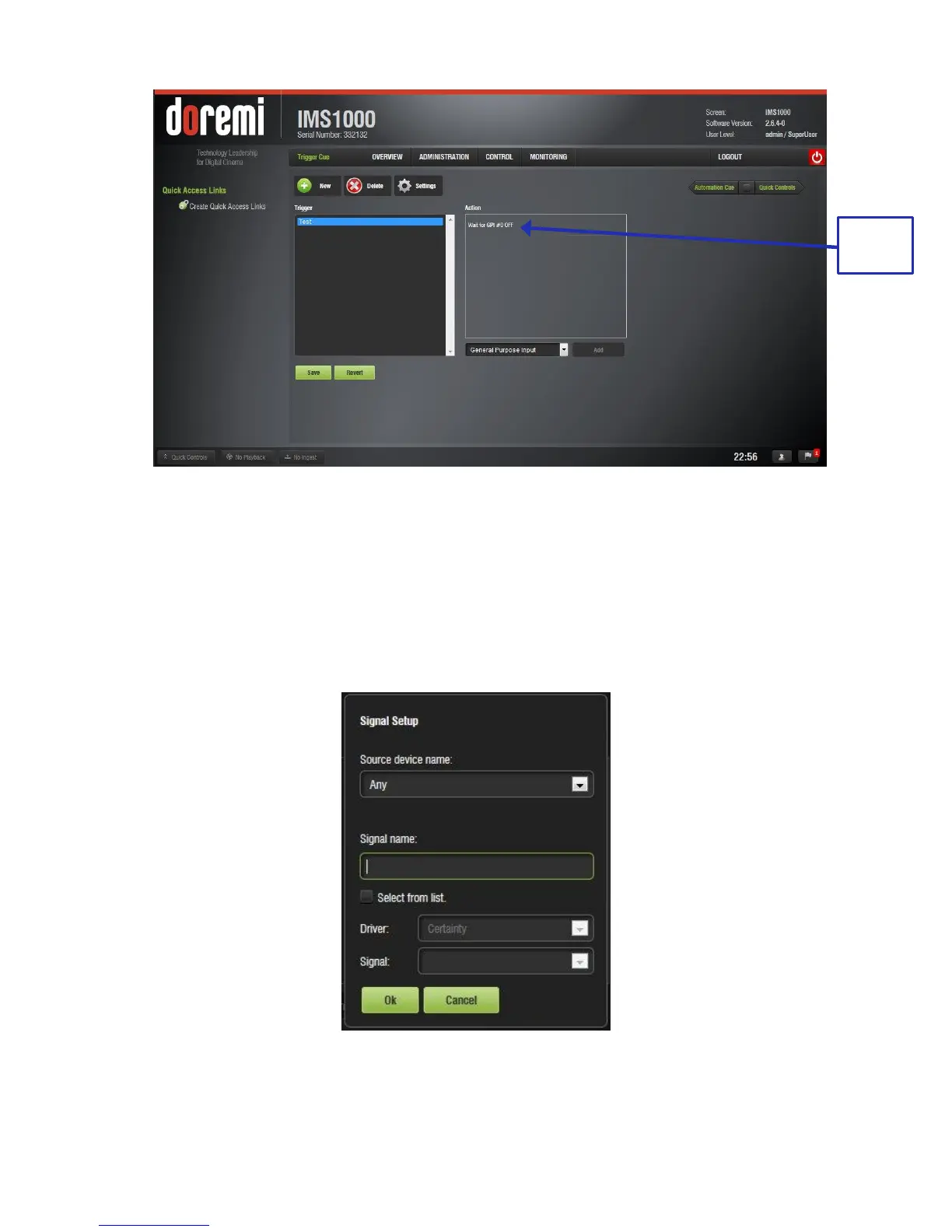
Figure 149: GPI Event Added
12.6.4 Connection to a Signal Event
● Click on the Trigger Cue that you want to assign the Signal event to.
● Click the Connect to an Event button from Macro Editor's Trigger Cue tab. The Connect
to an Event drop-down window will appear (Figure 147).
● Click the Signal button and Click Add. The Signal Setup window will appear (Figure
150).
Figure 150: Signal Event Setup Window
● Choose the device from the drop-down menu.



 To Next Page