IMS.OM.002949.DRM Page 156 of 310 Version 1.4
Doremi Labs
12.14 Quick Access Links
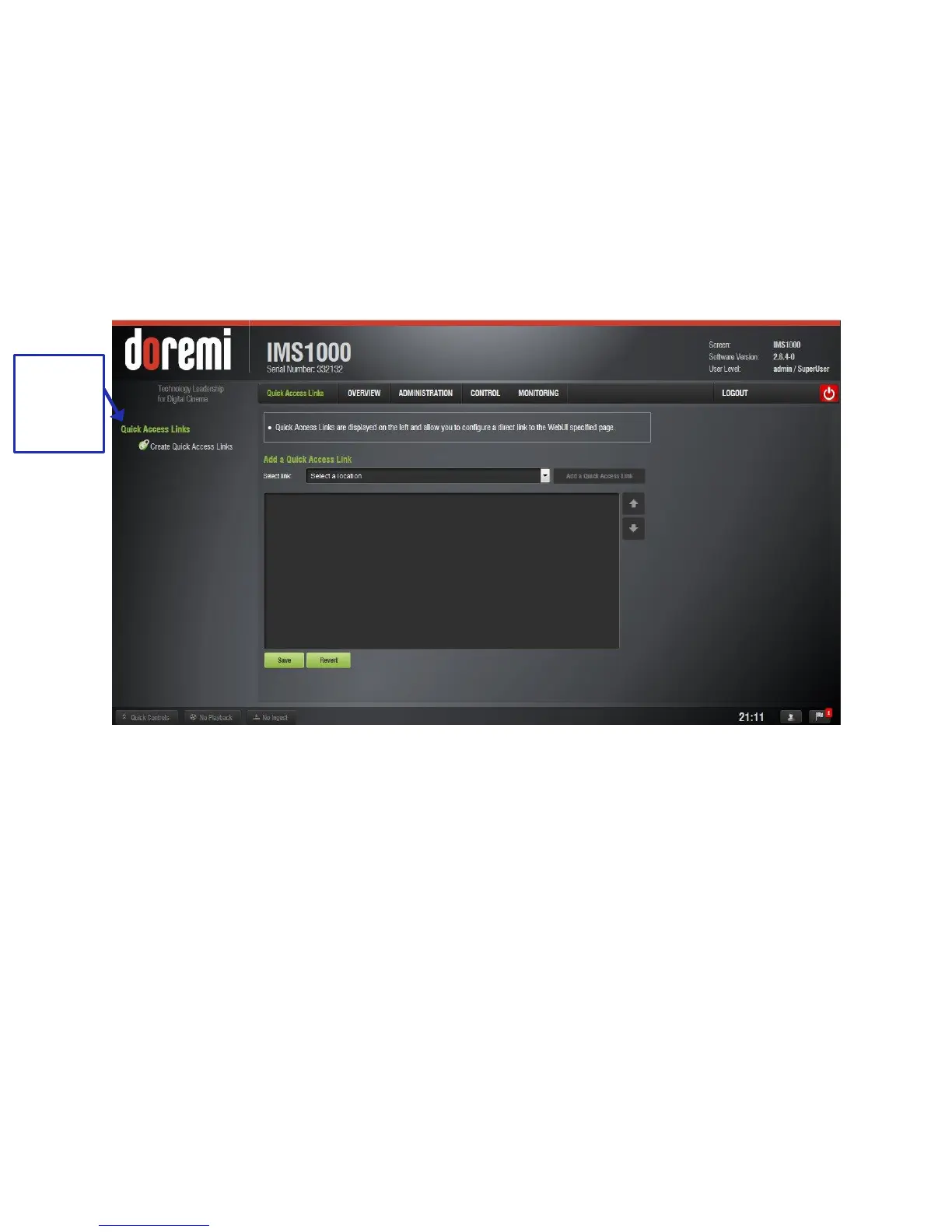
The Quick Access Links application allows the user to create links on the left-side of the GUI, to
be quickly accessed by the user from anywhere on the GUI. The links are available on every tab
of the GUI.
To access the Quick Access Links application, go to Administration → Control Panel → Quick
Access Links or click on the Quick Access Links tab on the left-side of the GUI (Figure 176).
A maximum of 12 links can be created.
Figure 176: Quick Access Links
To create a new Access Link, select the desired tab from the drop-down list and click the Add
button (Figure 177).



 To Next Page