IMS.OM.002949.DRM Page 204 of 310 Version 1.4
Doremi Labs
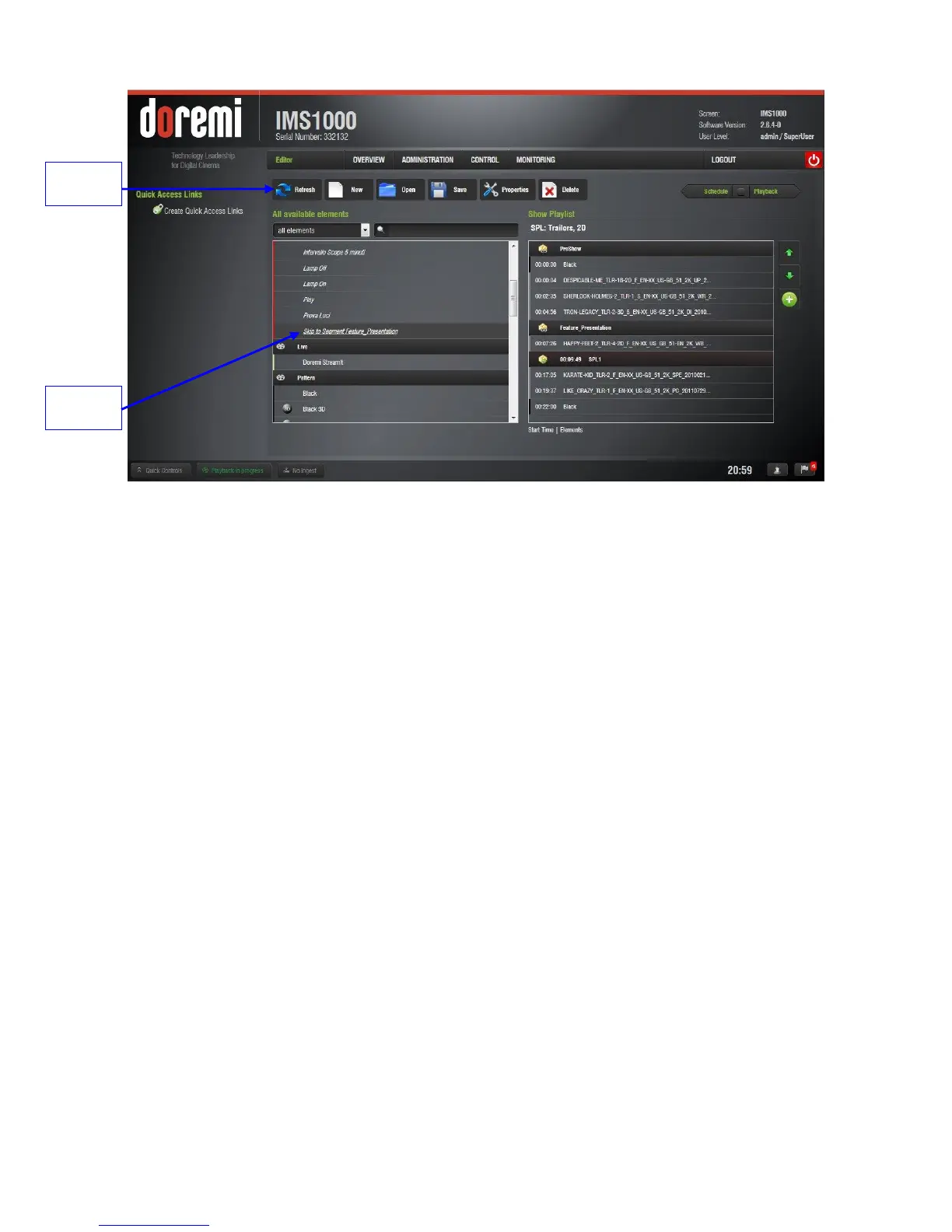
Figure 248: Macro Added
When executed, this macro will cause playback to jump to the specified segment within
the SPL.
13.6.2 Marker
A marker is a label that is attached to a specific timecode of a CompositionPlaylist (CPL) inside
the ShowPlaylist (SPL). It can be used by the user to add a note about when an event is
expected to happen in the SPL. The use of these markers is generally for user information
purposes only.
The exception is the Exit_Intermission marker. For information on how to use this marker, go to
Section 13.6.3.3.1.
13.6.3 Intermission
The Intermission feature offers a quick and easy solution to create an Intermission (recess)
during any CPL being played on servers running software version 2.6.0 or higher.
An Exit from Intermission macro can be created and added to allow the operator to trigger the
exit from the Intermission SPL and resume the Main SPL.
13.6.3.1 Intermission SPL
To create the Intermission SPL, go to the Cinelister Editor tab (Control → Cinelister → Editor).



 To Next Page