IMS.OM.002949.DRM Page 97 of 310 Version 1.4
Doremi Labs
11.1.4 Session Viewer
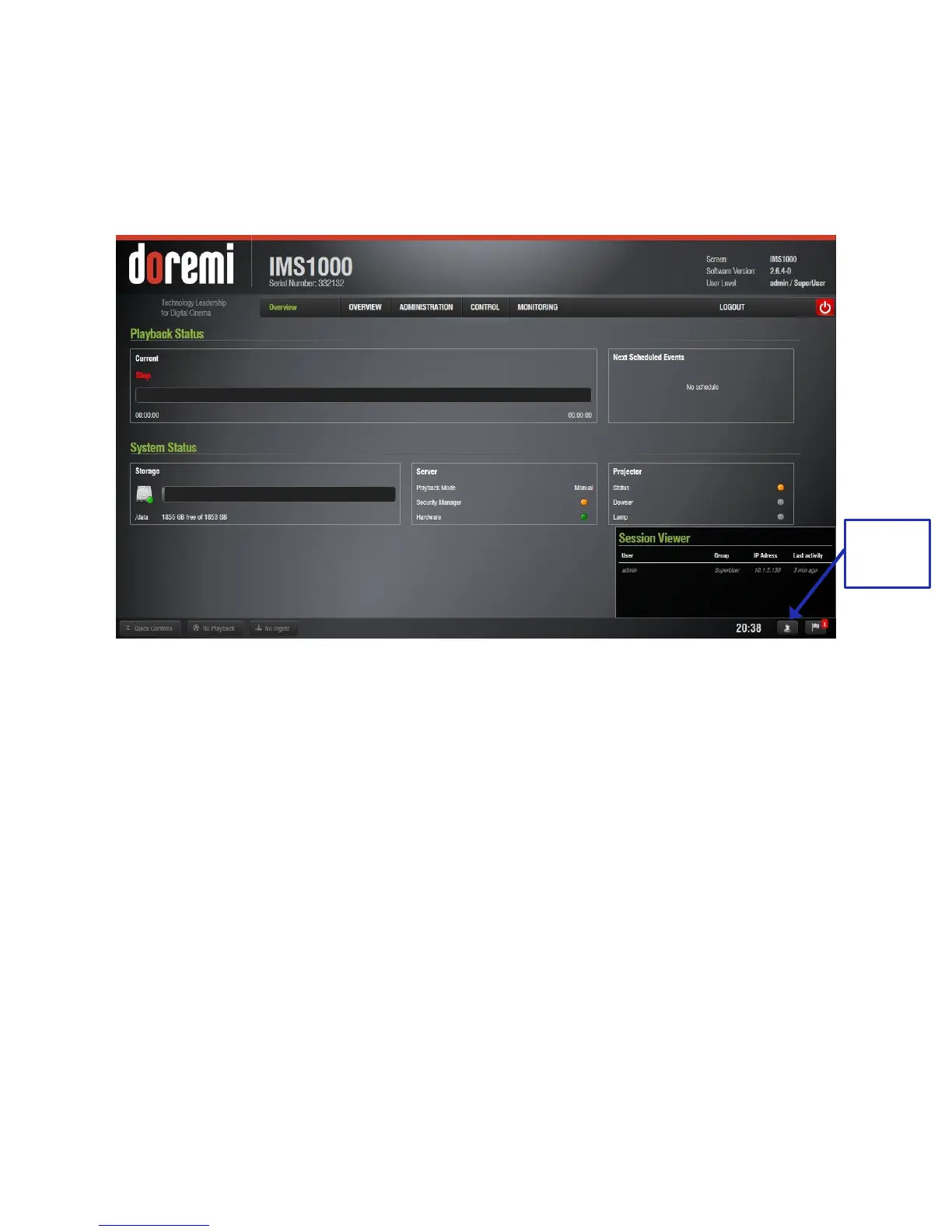
The Session Viewer button displays all of the users that are currently logged onto the unit.
Click the button to open the Session Viewer window. Clicking on the button again will cause the
window to close (Figure 106).
Figure 106: Session Viewer Window
11.1.5 Notifications
The Notifications button provides the user with notifications for things such as raid status, NTP
status, updates, software integrity, disk space quota, and more. A number will appear in the
corner when there is a new notification.



 To Next Page