IMS.OM.002949.DRM Page 248 of 310 Version 1.4
Doremi Labs
o Custom: Choose the desired degamma factor value in the numeric field using the
arrows.
HDSDI Input Mode: Click on the arrow on the drop-down menu and select the desired
Input Mode from the list.
o (2D) 4:4:4 Dual Link
o (3D) 4:2:2
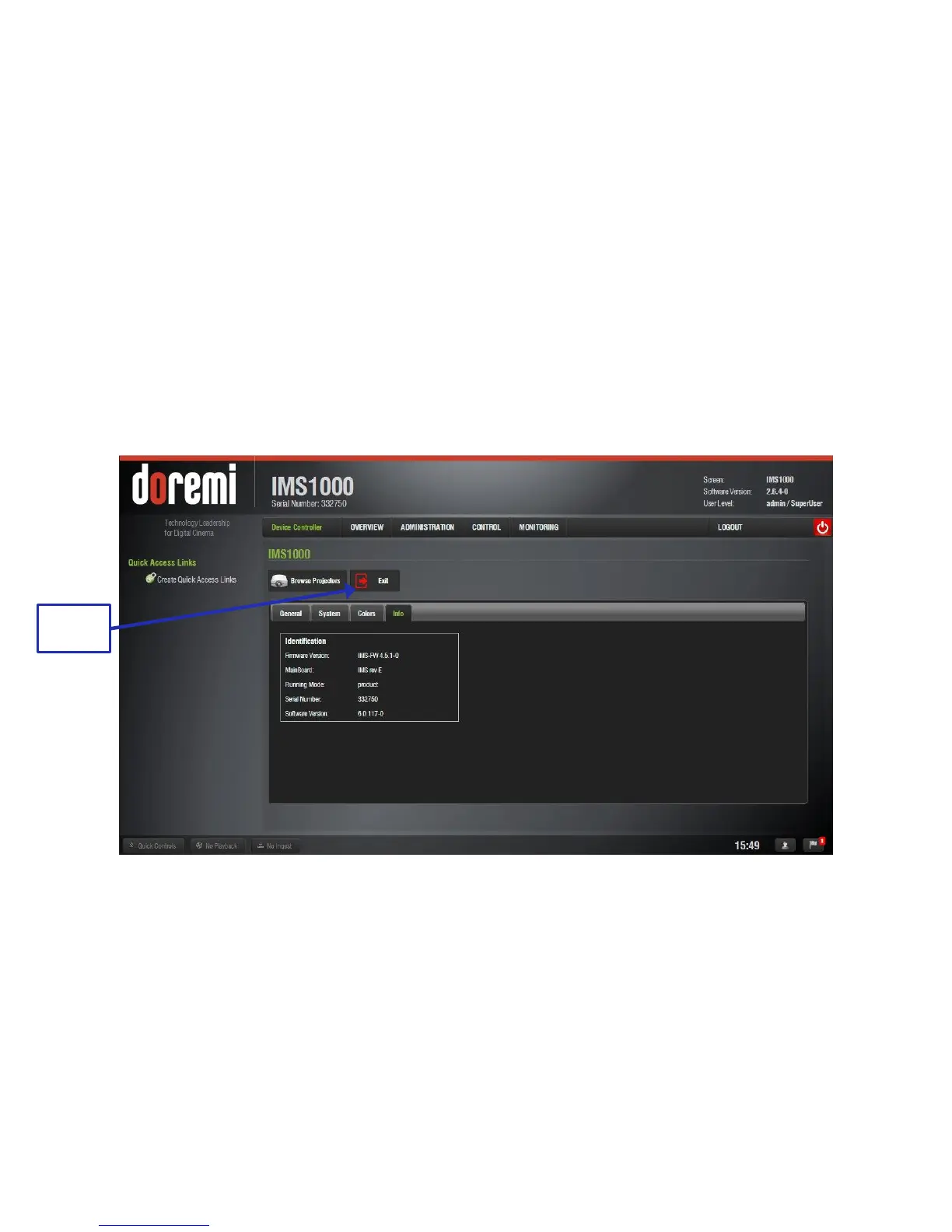
13.11.2.4 Info Tab
The fourth tab will display the following useful identification information for the controlled device
(Figure 310):
o Firmware version
o Main Board revision
o Running Mode
o Serial Number
o Software Version
Figure 310: Info Tab
Click Exit to exit the application.



 To Next Page