IMS.OM.002949.DRM Page 114 of 310 Version 1.4
Doremi Labs
12.3 Device Manager
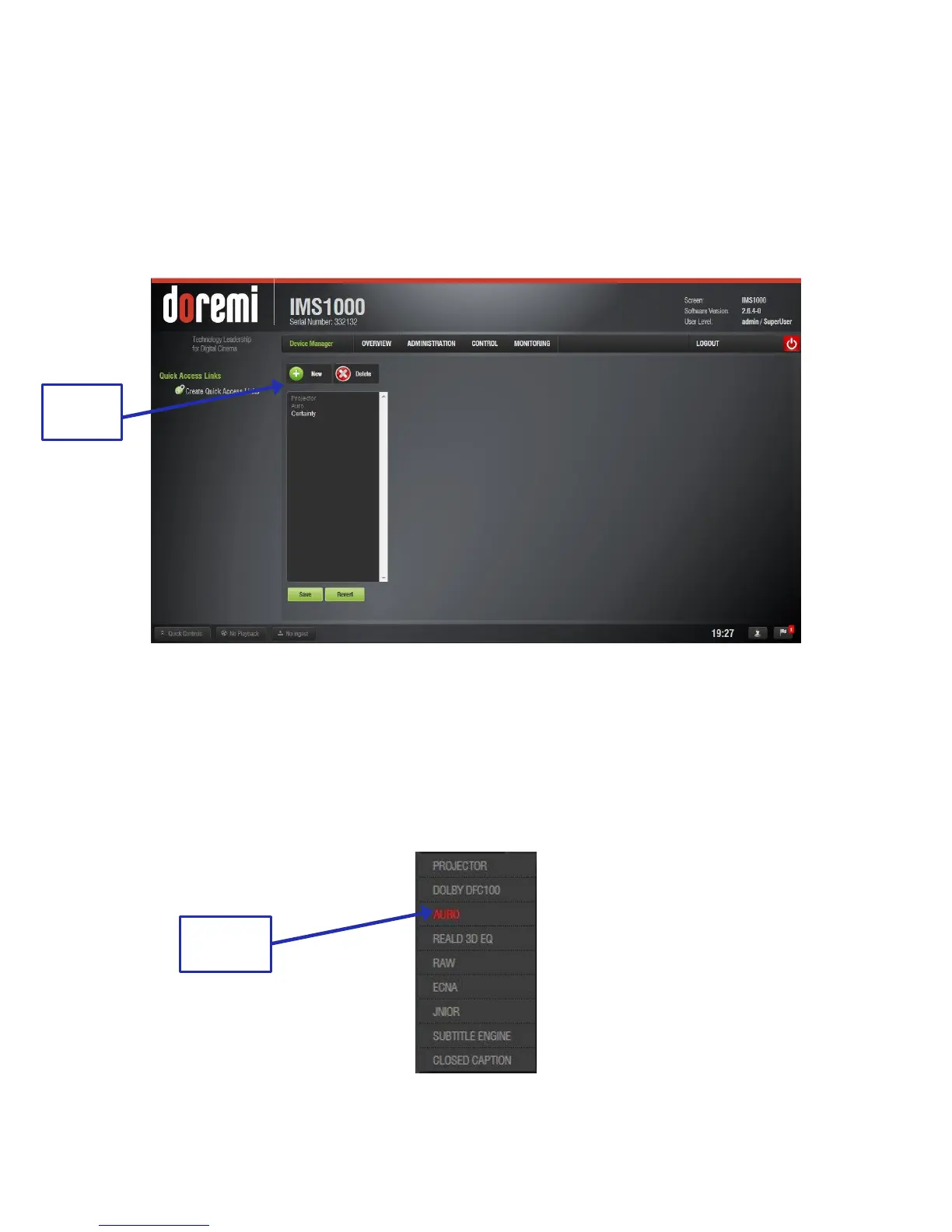
The Device Manager is an application used to configure the connection between a unit and
cinema projectors, 3D systems, subtitles, closed captions, etc. It also provides for the use of
Ethernet commands for the control of theater automation devices.
● To run the Device Manager, go to Administration → Device Manager.
● The following window will appear (Figure 123):
Figure 123: Device Manager
12.3.1 Adding a Projector
To connect a projector to the unit (server), click the New button (Figure 123).
● The New Device drop-down menu window will appear (Figure 124):
○ Any device in red indicates that the unit does not have a valid DLM ingested.
Figure 124: Add Device Drop-Down Window



 To Next Page