IMS.OM.002949.DRM Page 215 of 310 Version 1.4
Doremi Labs
confirm the mode; the default mode is Play. SuperUser privileges are necessary to
confirm the changes. If the user is already logged in with SuperUser privileges, the
password confirmation window will not appear.
13.7.4 Playback of a Live Event
The user can create a Show Playlist for the live event using theater effects such as closing and
opening of curtains, previews, trailers, and advertisements before the live event is scheduled to
start. The live event is not pre-recorded and therefore cannot be re-wound or fast forwarded.
See Section 12.16 for more information on creating and playing a live event.
13.7.5 Playback Lock Mode
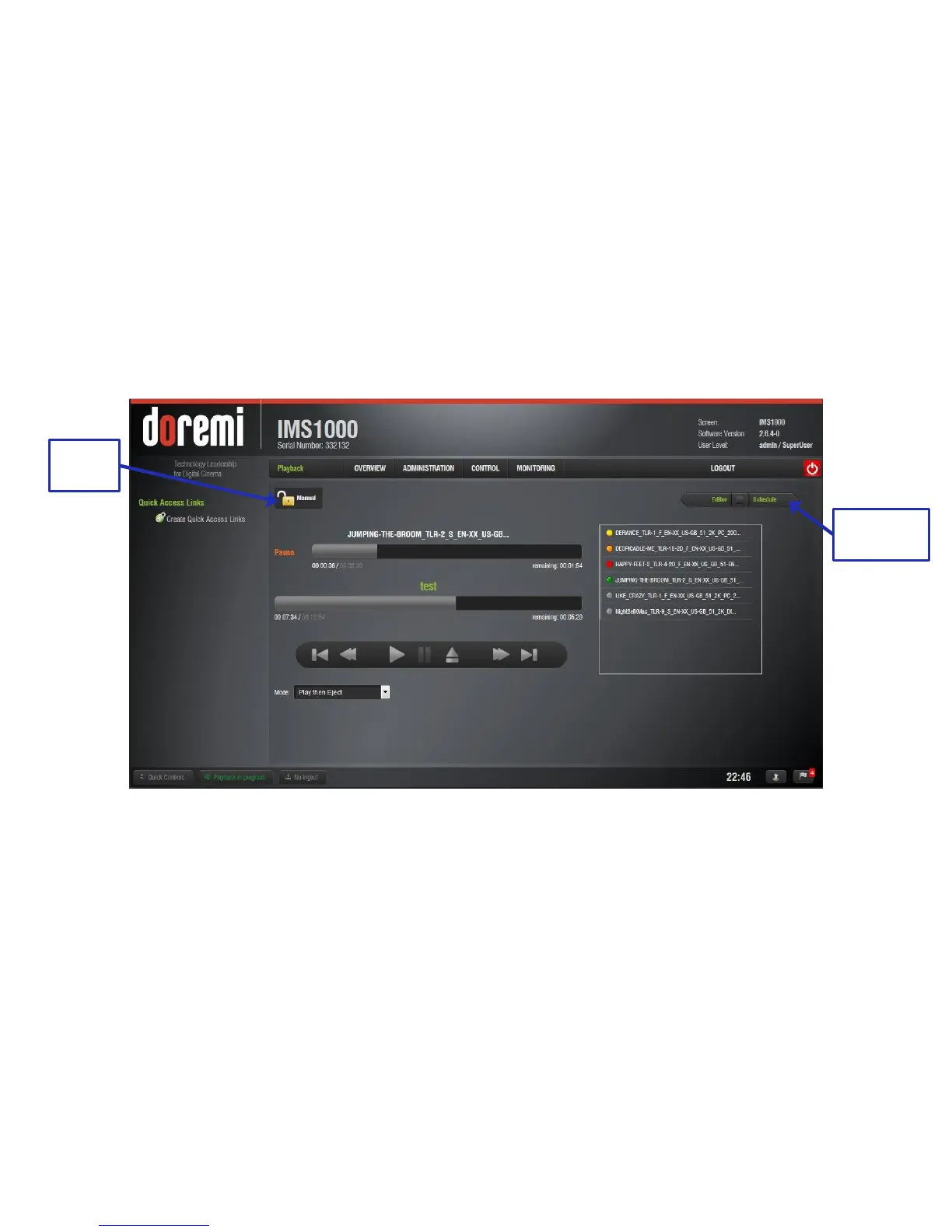
The Mode button can be used to determine manual or schedule mode (Figure 267).
Figure 267: Playback Lock Mode
In Schedule mode, the user is unable to change playback (Figure 268).



 To Next Page