IMS.OM.002949.DRM Page 247 of 310 Version 1.4
Doremi Labs
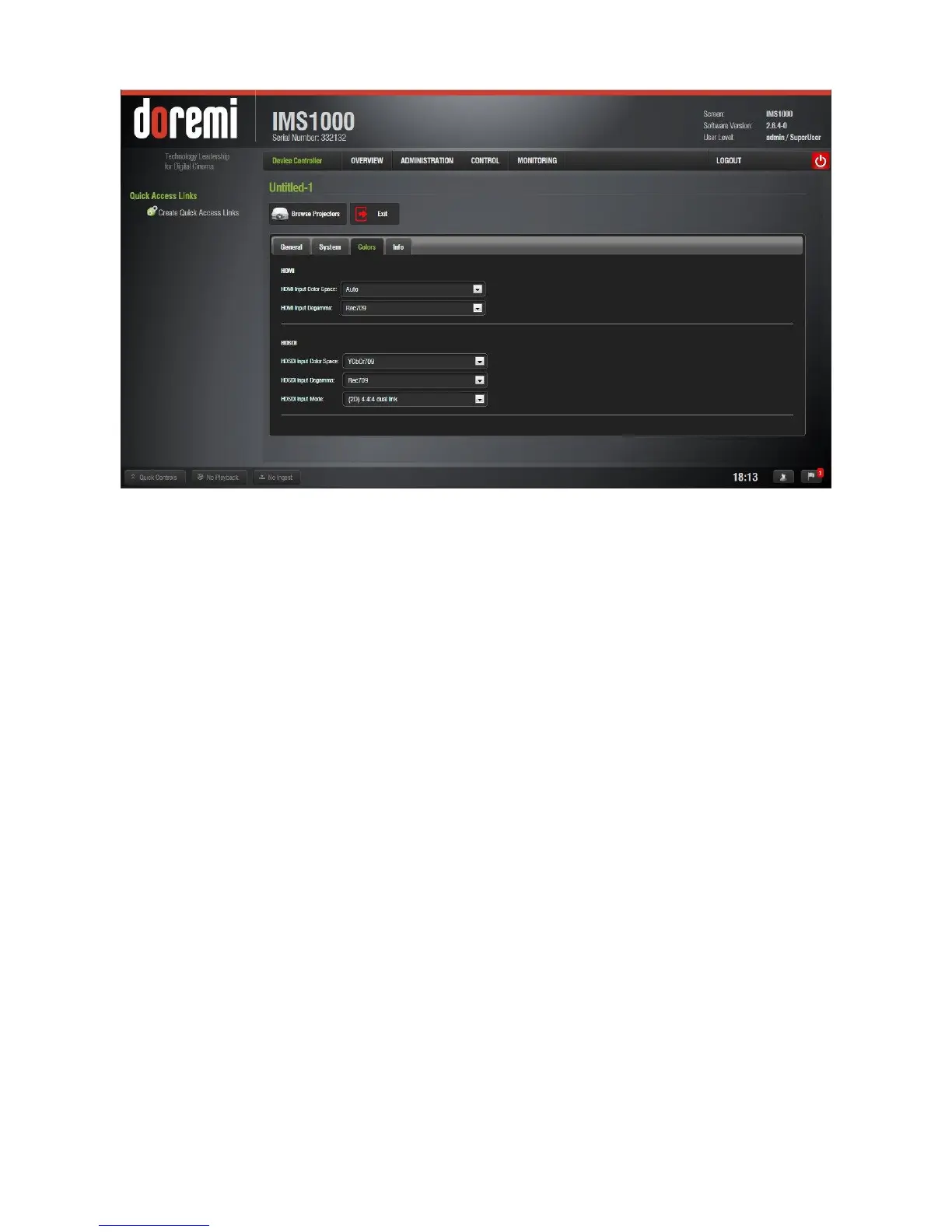
Figure 309: Colors Tab
13.11.2.3.1 HDMI Color Space Settings
HDMI Input Color Space: Click on the arrow on the drop-down menu and select the
desired color space standards from the list.
o Auto
o YCbCr709
o RGB709
o YCxCz
o XYZ
HDMI Input Degamma: Click on the arrow on the drop-down menu and select the
desired degamma factor from the list.
o Rec709
o DCI
o Custom: Choose the desired degamma factor value in the numeric field using the
arrows.
13.11.2.3.2 HDSDI Color Space Settings
HDSDI Input Color Space: Click on the arrow on the drop-down menu and select the
desired color space standards from the list.
o YCbCr709
o RGB709
o YCxCz
o XYZ
HDSDI Input Degamma: Click on the arrow on the drop-down menu and select the
desired degamma factor from the list.
o Rec709
o DCI



 To Next Page