IMS.OM.002949.DRM Page 60 of 310 Version 1.4
Doremi Labs
For more information, refer to Section 23.
5.6 Power on Projector
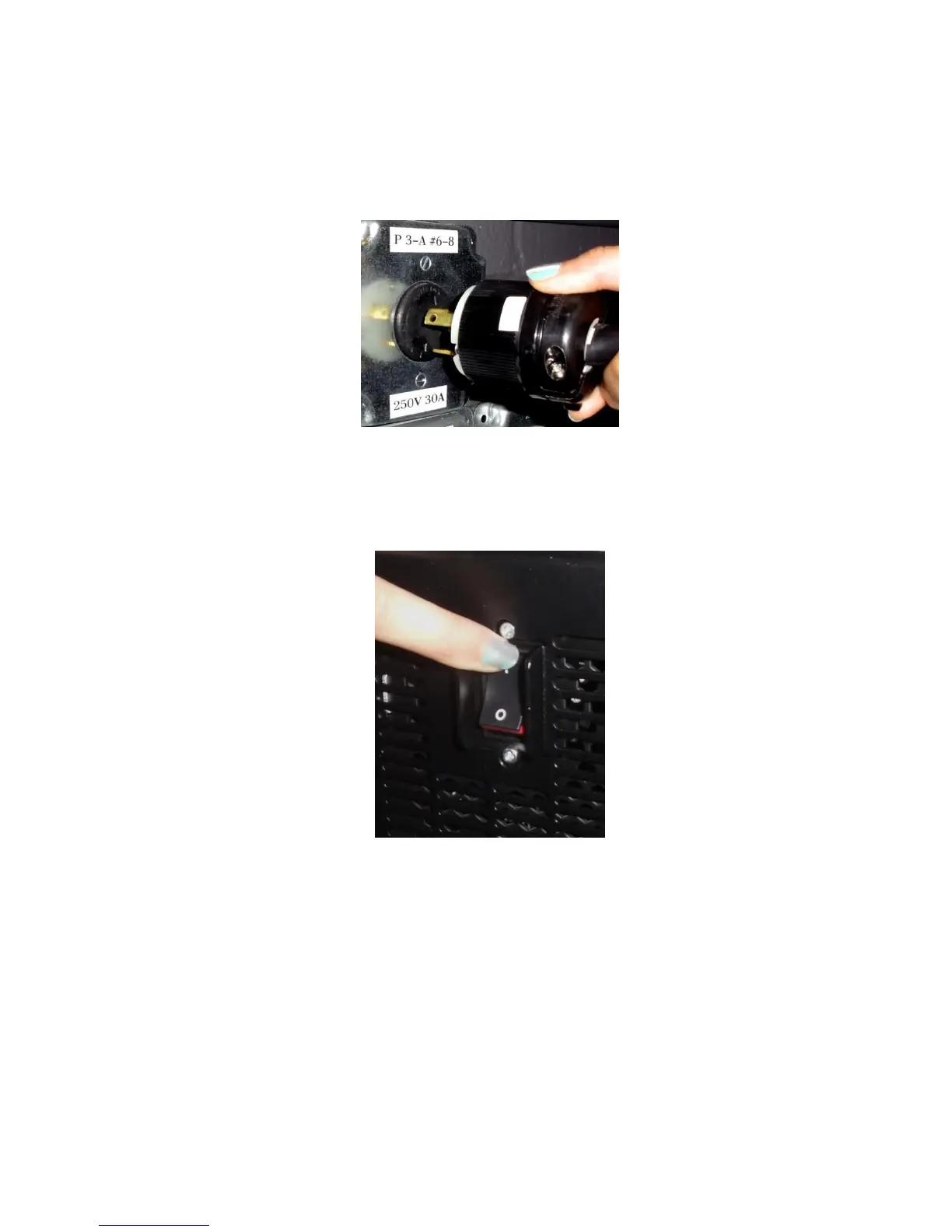
● Connect AC power to the projector (Figure 55).
Figure 55: AC Power
● Turn the projector on. The expected boot up time is about a 2:30 minutes (Figure 56).
Please refer to the projector manufacturer manual for proper power up sequence.
Figure 56: Power Switch
5.7 Accessing the GUI
● To access the IMS1000 GUI (Graphical User Interface), launch your browser on the
computer that is connected and enter the IP address into the browsers window.
You will be presented with the Doremi IMS1000 Login screen.
● Enter Username: doremi
● Enter Password: doremi
● Click the Login button.



 To Next Page