IMS.OM.002949.DRM Page 145 of 310 Version 1.4
Doremi Labs
12.9 Terminal
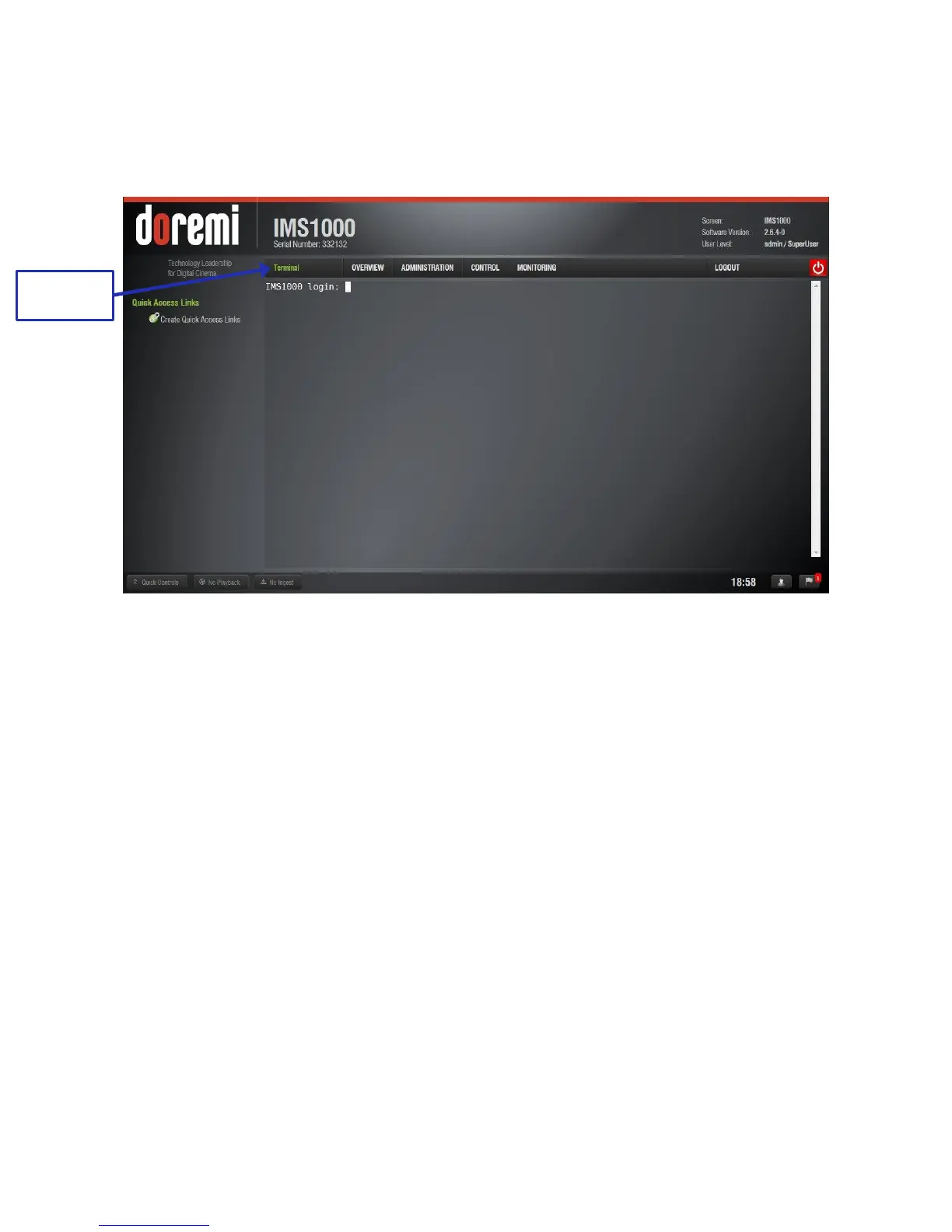
To log into the Terminal tab (Administration tab → Terminal), enter the admin user login name
and password (Figure 159).
Figure 159: Terminal Login
If possible, all changes made to settings should be done through the Terminal GUI.



 To Next Page