IMS.OM.002949.DRM Page 40 of 310 Version 1.4
Doremi Labs
4.3 Reattaching the Projector Covers
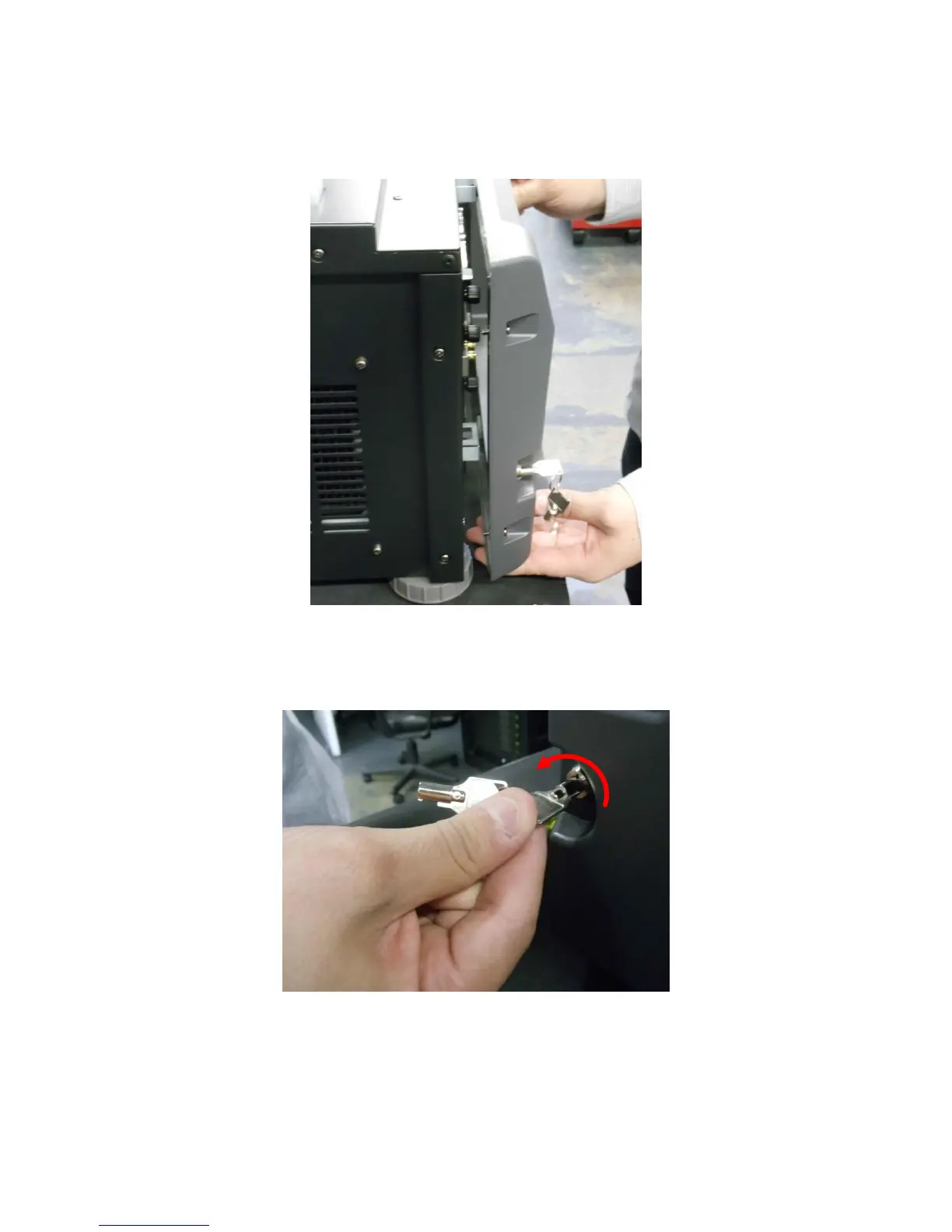
Reattach the projector cover and screw in the four screws holding it in place (Figure 18).
Figure 18: Reattaching the Projector Cover
Turn the key to lock the projector in place (Figure 19).
Figure 19: Turning the Lock
Reattach the filter cover by gently pushing it into place (Figure 20).



 To Next Page