IMS.OM.002949.DRM Page 121 of 310 Version 1.4
Doremi Labs
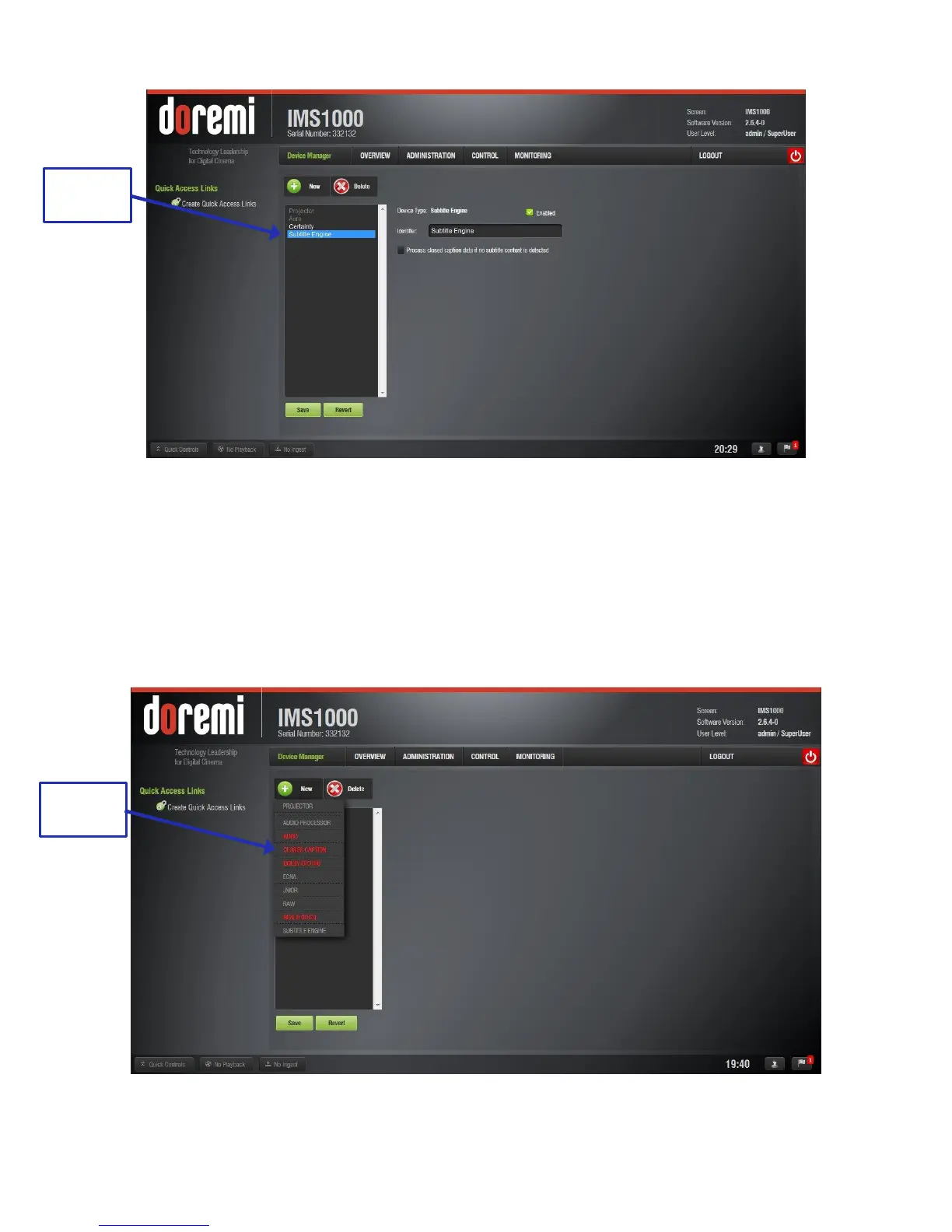
Figure 130: Subtitle Engine
To complete the configuration, click the Save button (Figure 126).The user will be asked
for a password. Enter the appropriate password and press Ok. Clicking the Revert
button prior to saving will delete the unsaved information (Figure 126).
12.3.9 Missing License
If a license is missing, it will appear in red in the New Device drop-down (Figure 131).
Figure 131: Missing License



 To Next Page