IMS.OM.002949.DRM Page 200 of 310 Version 1.4
Doremi Labs
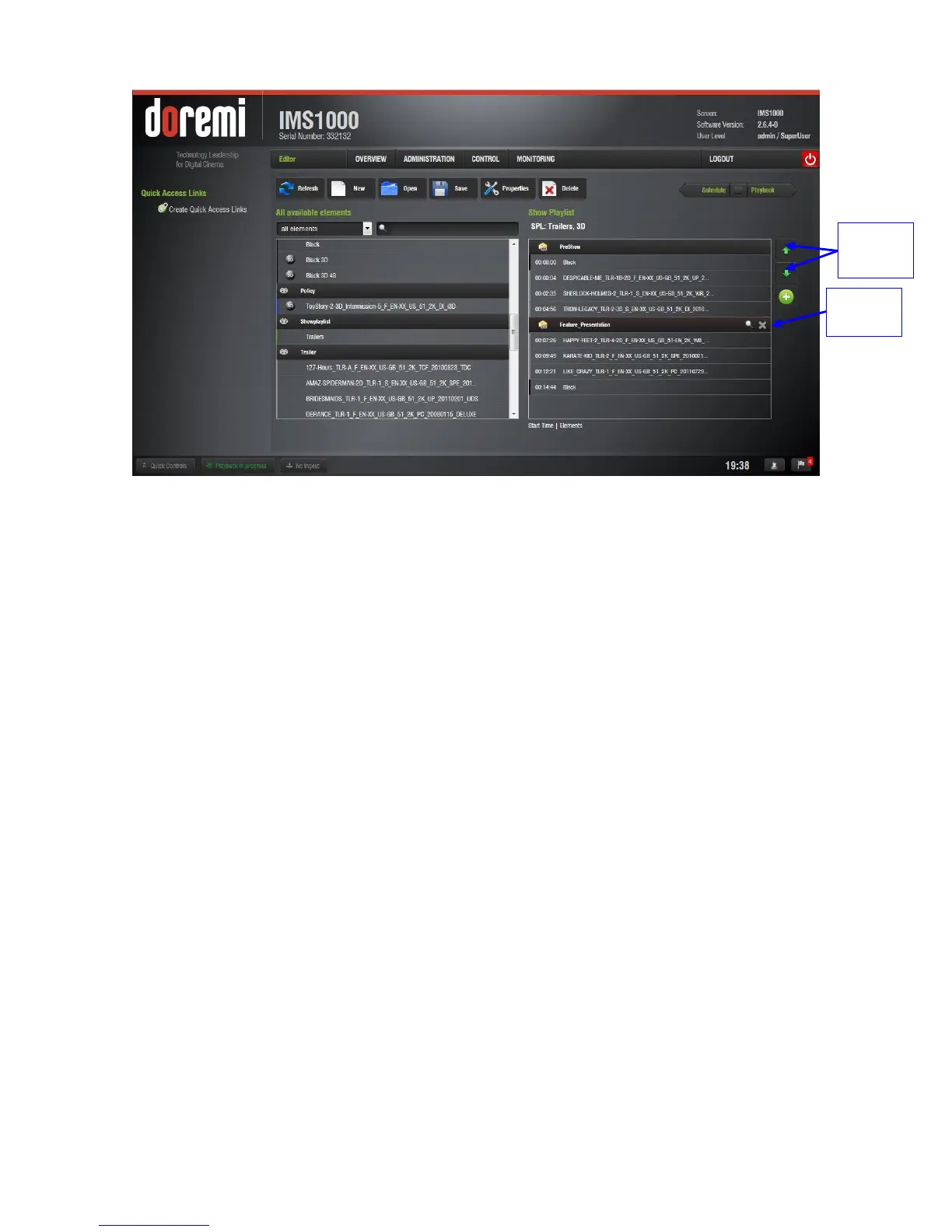
Figure 241: Segments Added
13.6.1.1 External Show Playlist
The user also has the option to add a Show Playlist into another Show Playlist. These are called
External Show Playlists. The External Show Playlist allows the content of that SPL to be
inserted into the current SPL. CineLister now lists the available SPLs on the left area of the
editor among the other CPLs.
To include an external SPL into the current SPL, select the SPL in the left side of the GUI. It will
appear as a segment labeled as the title of the added SPL (Figure 242):



 To Next Page