IMS.OM.002949.DRM Page 213 of 310 Version 1.4
Doremi Labs
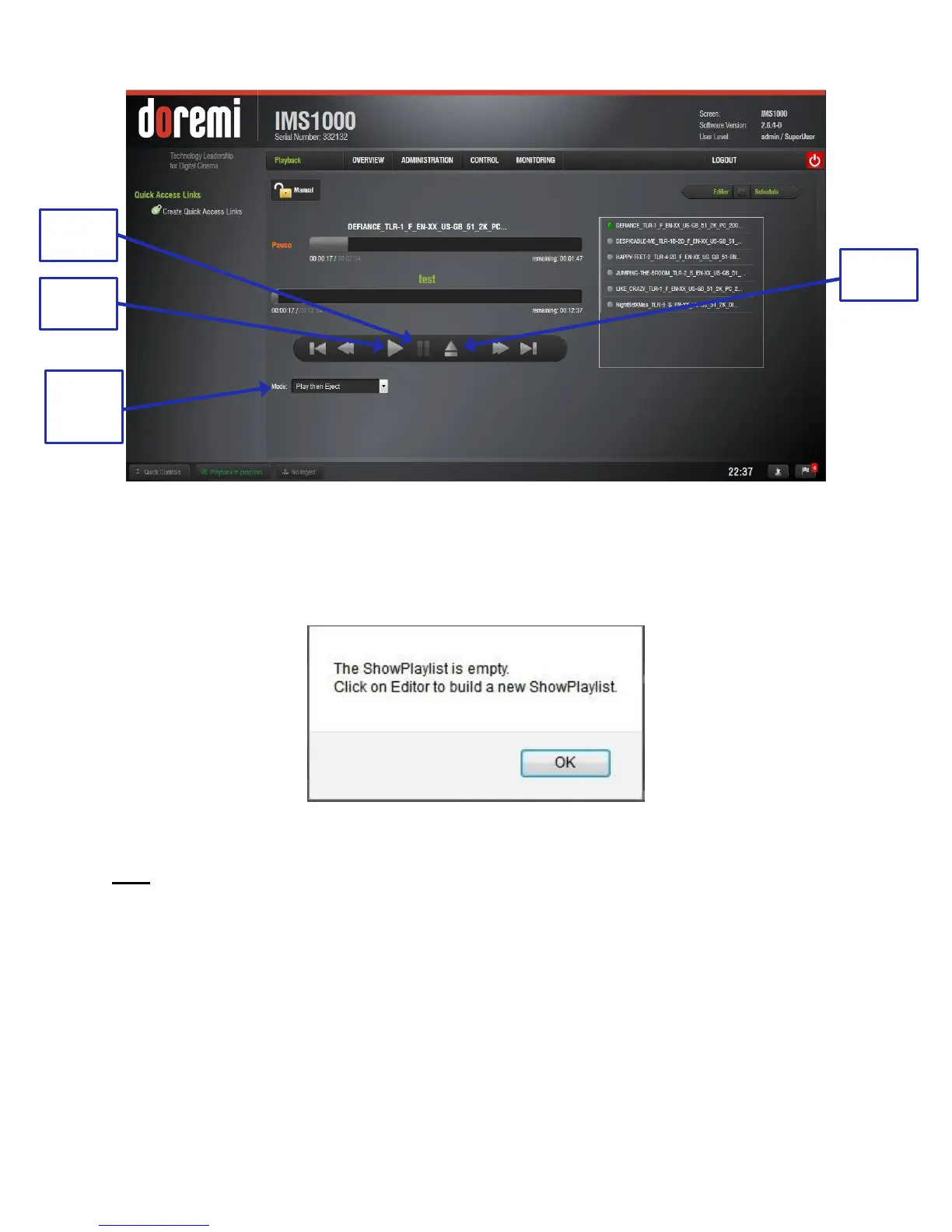
Figure 264: Playback Tab
● Click the Play button to load the Playlist (Figure 264).
● If no Playlist is selected, a message will appear stating, “The show playlist is empty”
(Figure 265).
Figure 265: Empty Playlist
Note: If a SPL contains an element with an expired KDM, the SPL will not load.
13.7.2 Playback Progress
The SPL progress list-box displays the order of the playback (Figure 266).



 To Next Page