IMS.OM.002949.DRM Page 175 of 310 Version 1.4
Doremi Labs
12.18 License Agreement
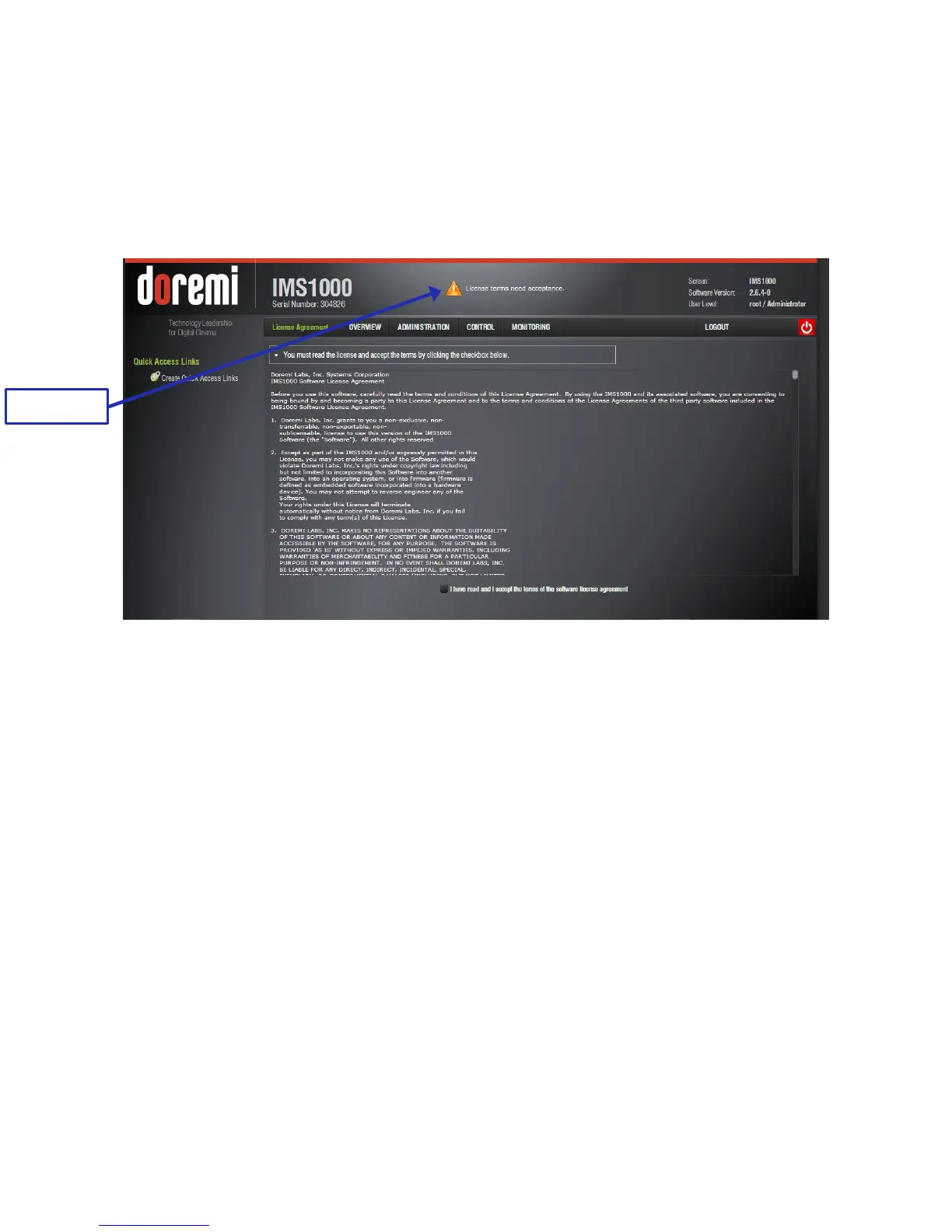
The License Agreement application allows the user to agree to Doremi terms and conditions.
The user only needs to do this once.
If the user has not agreed to the terms and conditions yet, a notification will appear at the top of
the screen informing the user that he/she will need to give their consent (Figure 207).
Figure 207: License Message
To access the License Agreement, go to Administration → Control Panel → License
Agreement.
Click the checkbox to indicate that you have read and accept the terms of the software license
agreement (Figure 208).



 To Next Page