IMS.OM.002949.DRM Page 234 of 310 Version 1.4
Doremi Labs
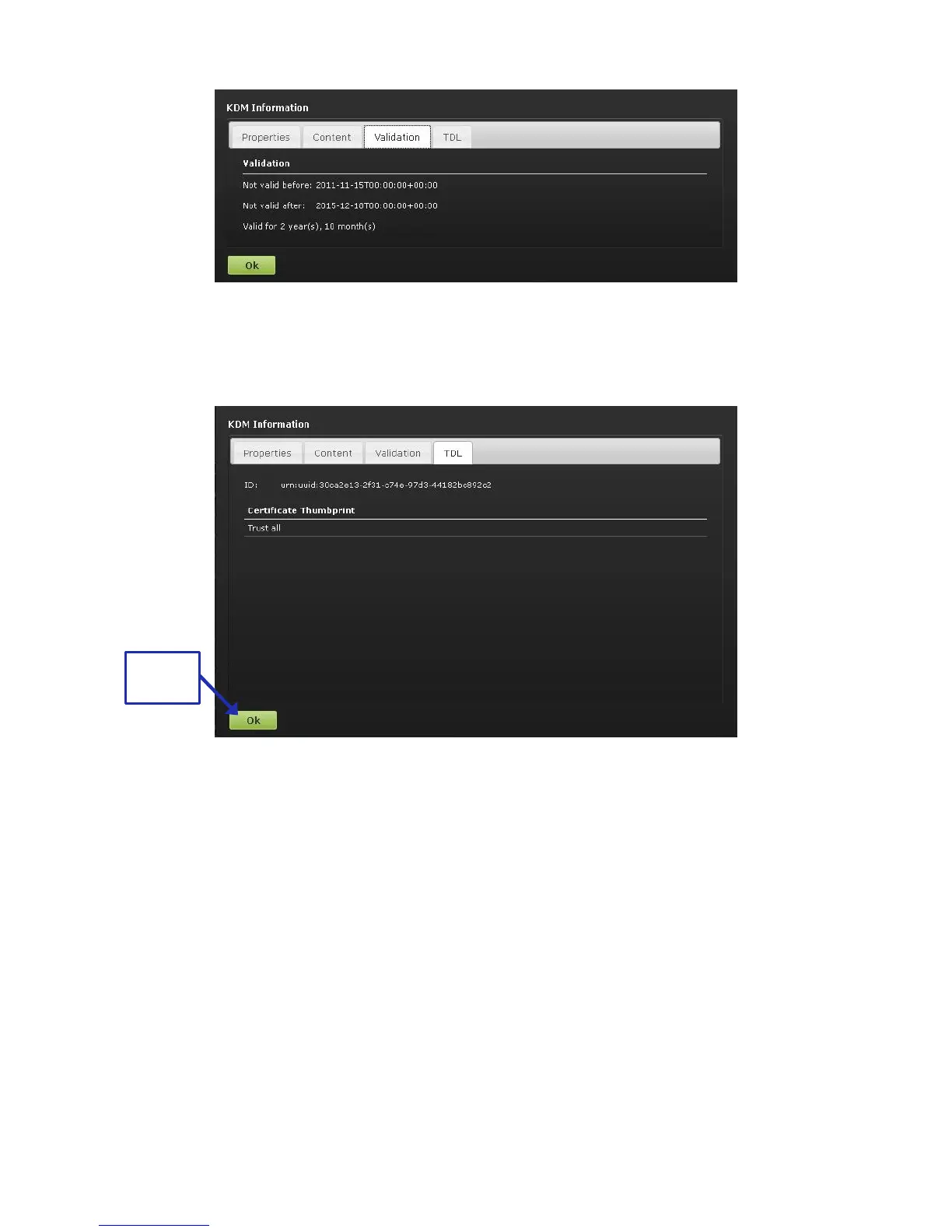
Figure 292: Validation Tab
● The TDL tab contains the list of the trusted devices (projectors) and their certificate
thumbprints (Figure 293).
Figure 293: TDL Tab
Click Ok to return to the CPL Properties window (Figure 292).
13.10.2.2.5 Audio Mapping Tab
The Audio Mapping tab allows the user to save audio settings specific to the CPL (Figure 294).
The audio setting created for the entire unit in Administration → Control Panel → Audio Settings
do not carry over into this tab, allowing the user to edit these settings for each CPL, if so
desired.
The user also has the option to enable the Data check-box for the individual CPL, indicating that
they want the channel to get a data signal, not an audio signal (Figure 294).
Click Save to save any modifications (Figure 294).



 To Next Page