IMS.OM.002949.DRM Page 233 of 310 Version 1.4
Doremi Labs
● For more information on a specific KDM, select the KDM and click on it. This will take the
user to the KDM Information window Properties tab.
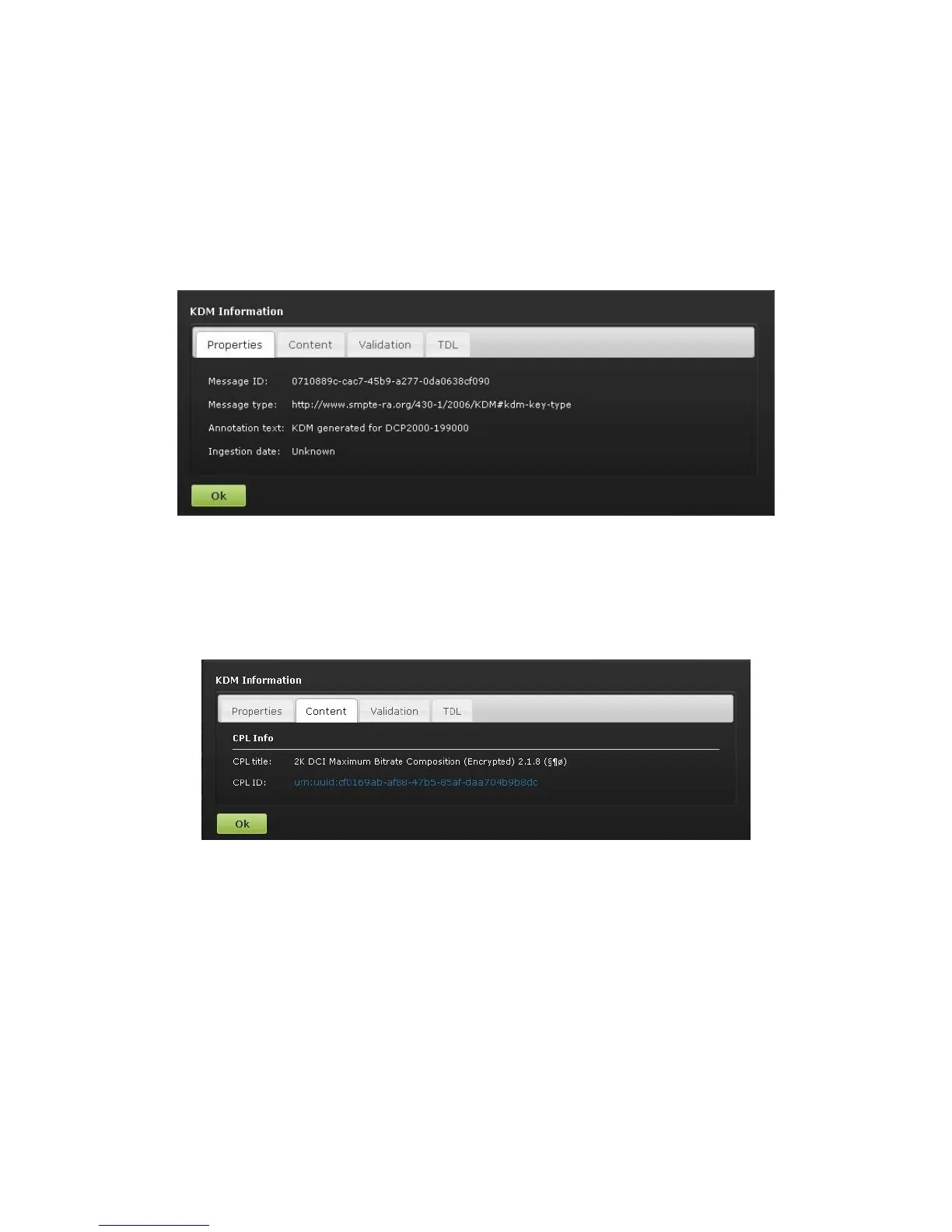
● The Properties tab displays the following information about the selected KDM (Figure
290):
○ Message ID: KDM UUID
○ Message Type: MessageType field of the KDM
○ Annotation Text: AnnotationText field of the KDM
○ Ingestion Date: Date on which the KDM was ingested into the server
Figure 290: Properties Tab
● The Content tab contains the following information about the related CPL (Figure 291):
○ CPL Title
○ CPL ID (CPL UUID)
Figure 291: Content Tab
● The Validation tab (Figure 292) contains precise information about the date and time of
the validity of the KDM, an approximation of the period for which the KDM is valid.



 To Next Page