IMS.OM.002949.DRM Page 170 of 310 Version 1.4
Doremi Labs
Click on the Close button to exit out of the Backup Generation window.
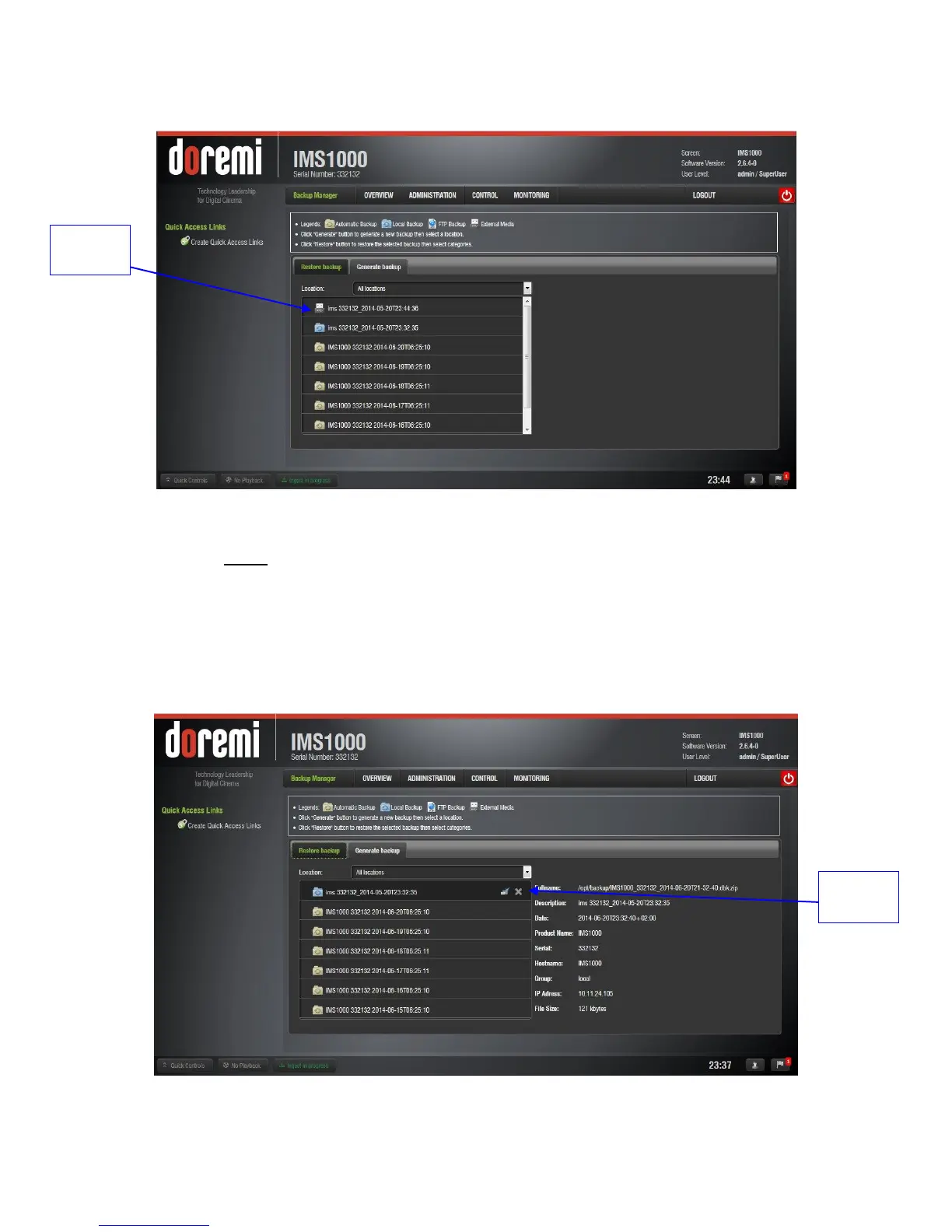
To view the backup, go to the Restore Backup tab (Figure 198).
Figure 198: USB Restore
o Note: The USB backup will only appear if the USB or external device is plugged
in.
The manual backup process is now complete.
12.17.5 Deleting Backup File(s)
If you want to delete a backup file that was previously generated, select the file from the
Restore Backup tab and click on the Delete button (Figure 199).
Figure 199: Delete Button



 To Next Page