IMS.OM.002949.DRM Page 95 of 310 Version 1.4
Doremi Labs
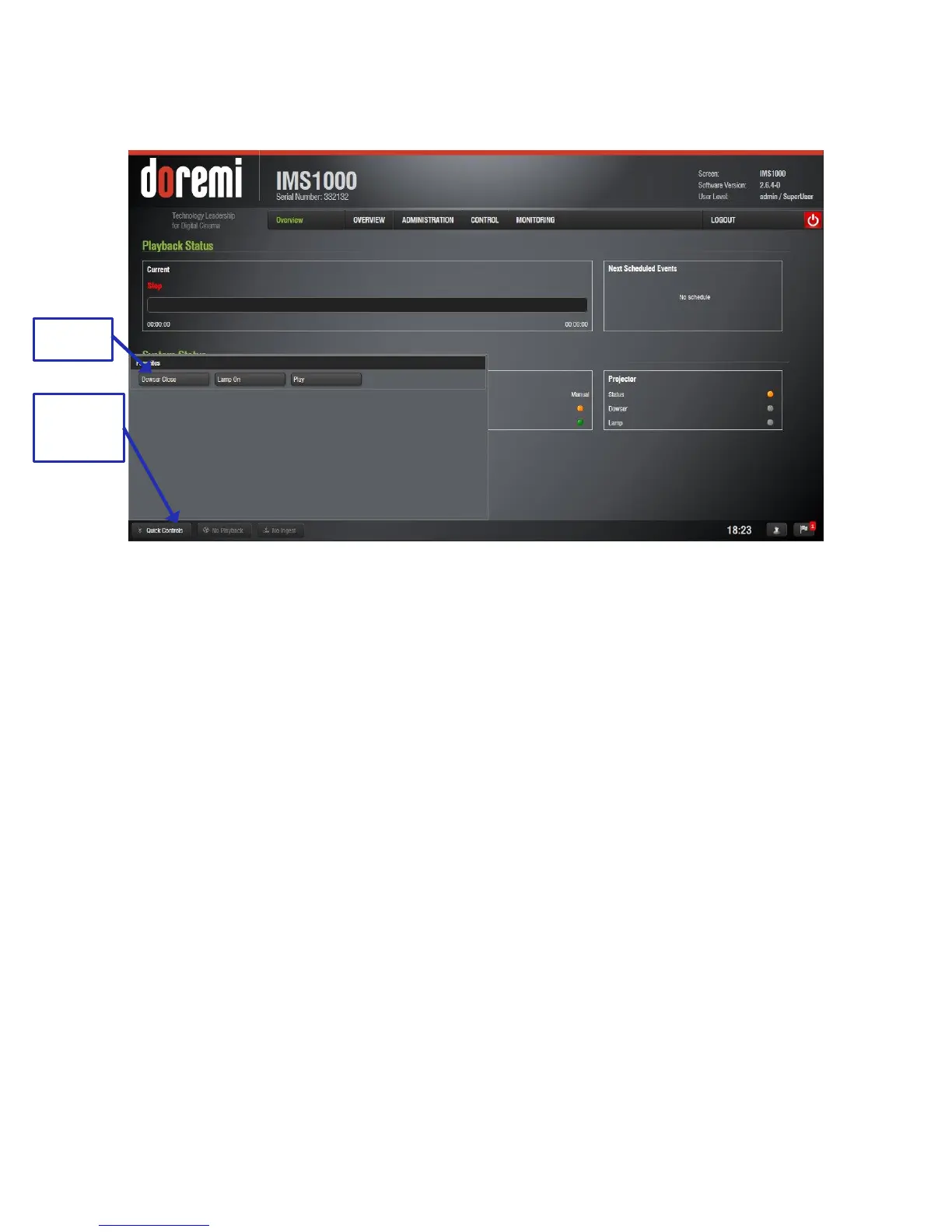
Once the macros have been added, click on the Quick Controls button and the macros will
appear (Figure 103).
Figure 103: Quick Controls
To execute the macro, simply click on the macro (Figure 103).
Clicking on the Quick Controls button again will cause the window to close.
11.1.2 Playback
The Playback button will alert the user to any playback that is in progress (Figure 104).
If playback is in progress, clicking on the Playback button will open up the Cinelister Playback
tab. If playback is not in progress, clicking on the button will open up the Cinelister Editor tab.
For more information on the Cinelister tab and playback, refer to Section 13.



 To Next Page