IMS.OM.002949.DRM Page 194 of 310 Version 1.4
Doremi Labs
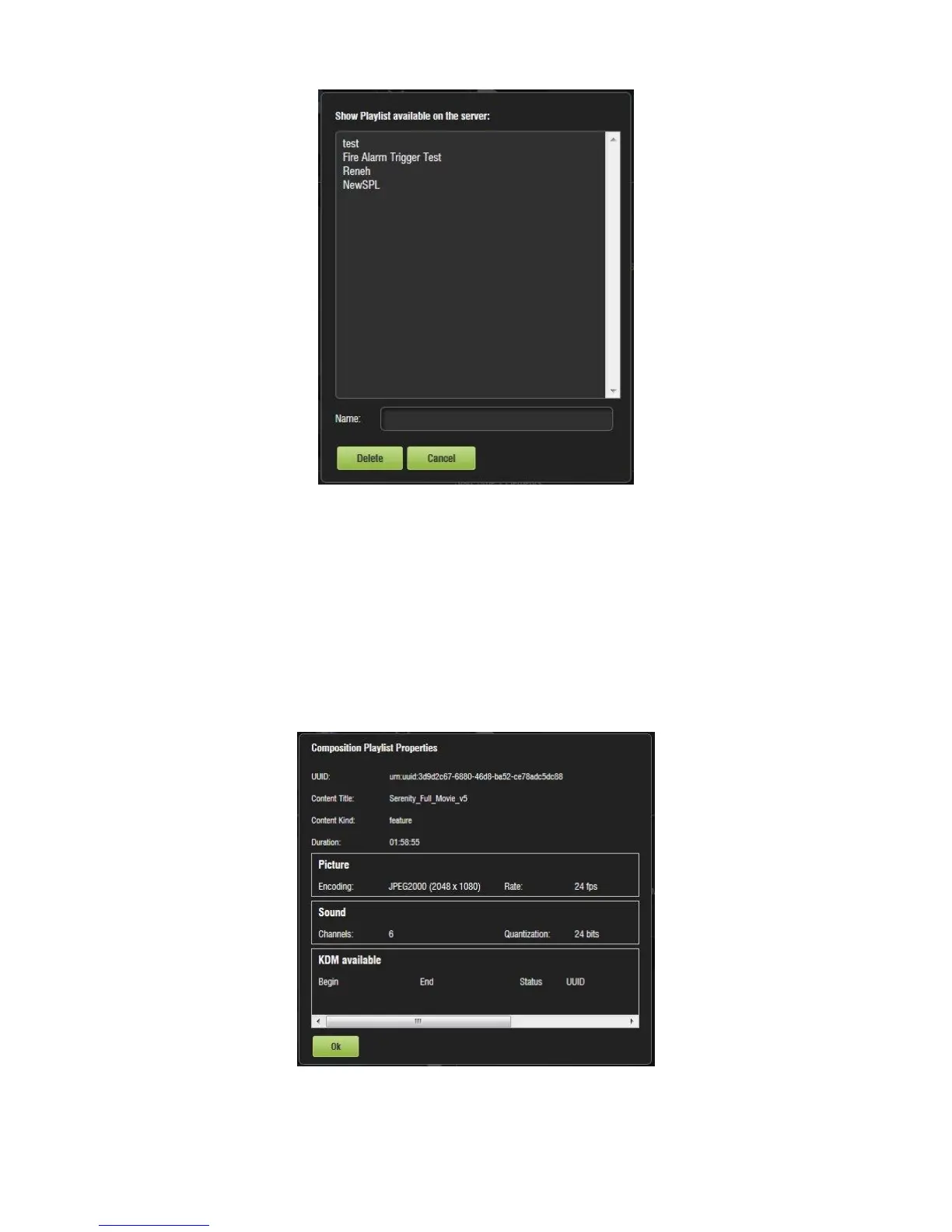
Figure 232: Delete SPL Window
● Select the SPL to delete and click Delete.
13.4.3 Element Properties
● To view the properties of any element in a Show Playlist, select the element from the
right side of the GUI. Highlight the selected item and click on the Element Properties
button that appears on the right (Figure 231).
● The Composition Playlist Properties window will appear (Figure 233).
Figure 233: CPL Properties



 To Next Page