IMS.OM.002949.DRM Page 171 of 310 Version 1.4
Doremi Labs
The following confirmation window will appear. To continue the deletion process, click on
the Yes button (Figure 200).
Figure 200: Confirmation Window
The backup file is now deleted.
12.17.6 Restoring Backup File(s)
12.17.6.1 Restoring from RAID
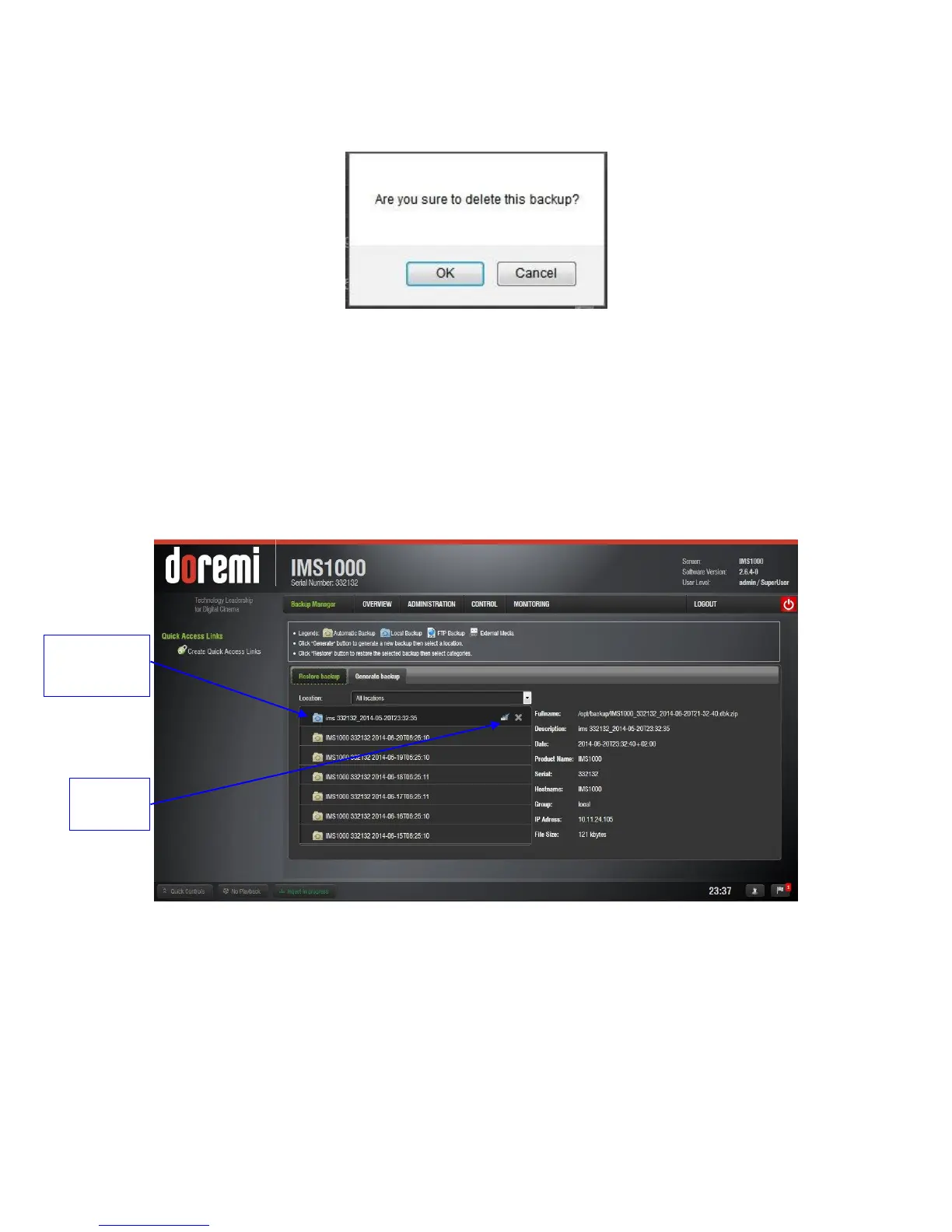
To restore any or all files, select the backup file from the left hand side and click on the
Restore button (Figure 201).
Figure 201: Restore Button
A log in screen will appear. Enter the appropriate password and click on OK.
The Restore Category Selection window will appear (Figure 202). Here, you will be able
to choose which types of files to restore, or you can select all files to restore:
o Doremi: These files include configuration files, devices, SNMP threshold, audio,
and databases.
o Identity: These files include Doremi SecurityModule identity certificates.
o KDMs: These files include KDMs and DLMs.
All backup files
previously
generated



 To Next Page