IMS.OM.002949.DRM Page 180 of 310 Version 1.4
Doremi Labs
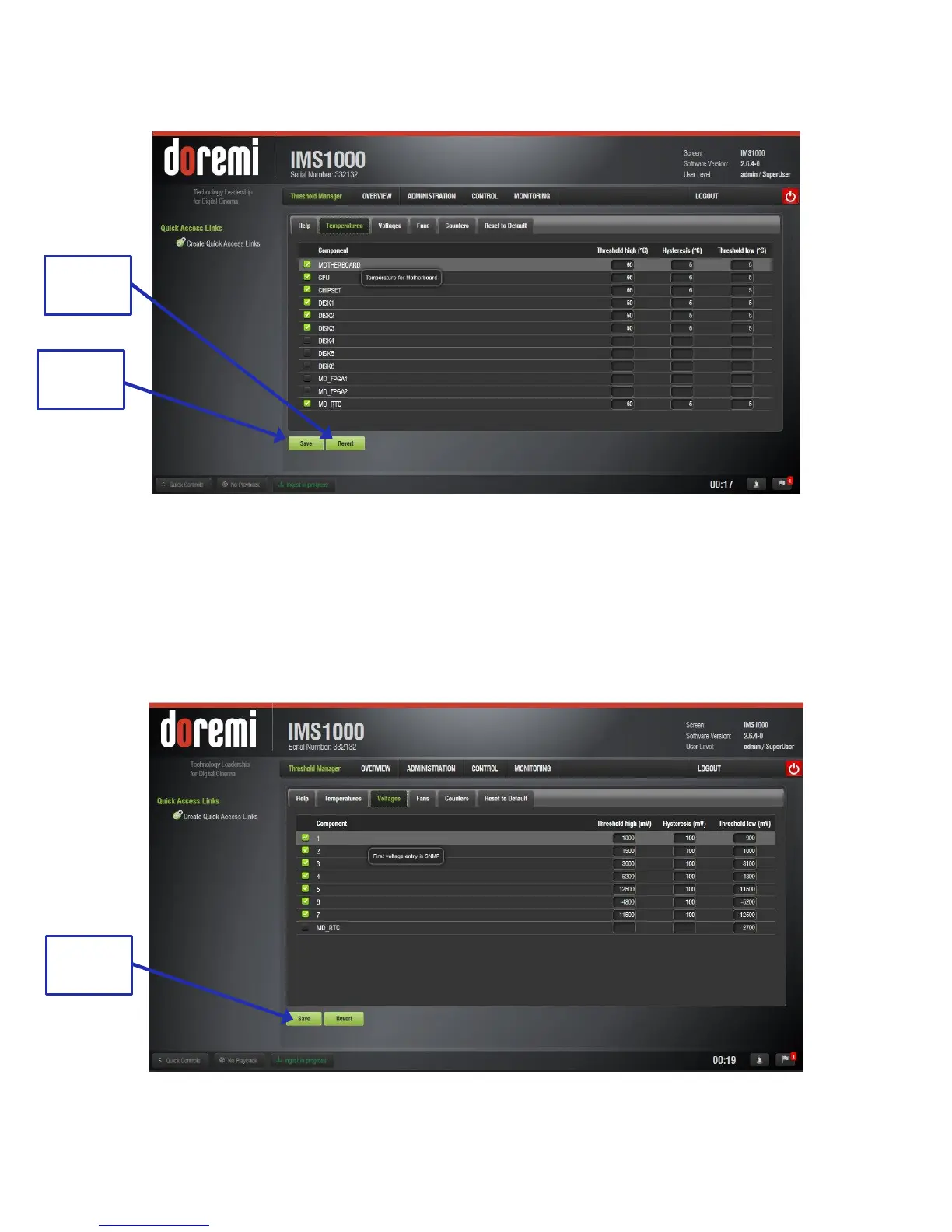
Click Save to save any changes and Revert to undo any unsaved changes (Figure 213).
Figure 213: Temperatures Tab
12.20.2 Voltages Tab
The Voltages tab lists the high and low threshold values for different components of the server,
in millivolts. Hovering over the component will give a brief explanation of that component.
Click Save to save any changes and Revert to undo any unsaved changes (Figure 214).
Figure 214: Voltages Tab



 To Next Page