IMS.OM.002949.DRM Page 223 of 310 Version 1.4
Doremi Labs
13.9.1.4 Ingesting Content From a Doremi Remote Server/LMS
● Click on the drop-down menu from the Location menu (Figure 273).
● Select the device from which to ingest from. Its content will be displayed inside the GUI
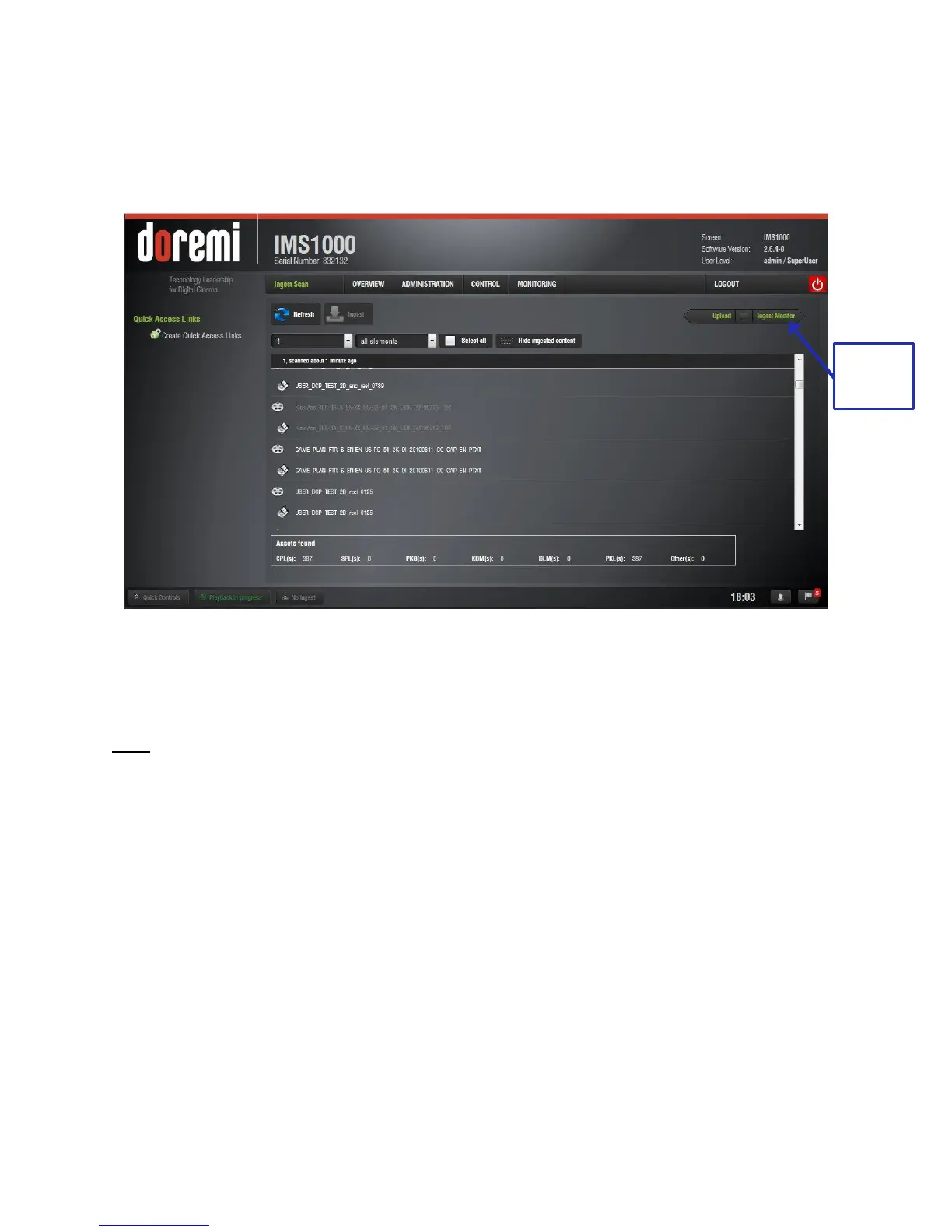
(Figure 275).
Figure 275: Remote Server Ingest
● Select the item to ingest and click the Ingest button (Figure 273).
● The user will be prompted to the Ingest Monitor tab to view the progress of the ingest.
Note: The server must be added through the Content Feed Manager (Section 12.8).
13.9.2 Ingest Monitor
The IMS1000 allows the user to ingest content while the server is ingesting previously selected
content. Click on the Ingest Monitor tab to see the progress of all the ingested items (Figure
276).
To access the Ingest Monitor tab, click on the green arrow on the right hand side of the GUI in
the Ingest Scan and Upload tabs (Figure 275).
● USB ingests are Real Time.
● eSata ingests are two-thirds of Real Time.
● To see an updated view of the Ingest Monitor will all recently ingested items, click on the
Refresh button (Figure 276).



 To Next Page