IMS.OM.002949.DRM Page 192 of 310 Version 1.4
Doremi Labs
13.4 Accessing a Show Playlist
● To open an existing Show Playlist, click on the Open button from the CineLister Editor
tab (Figure 229).
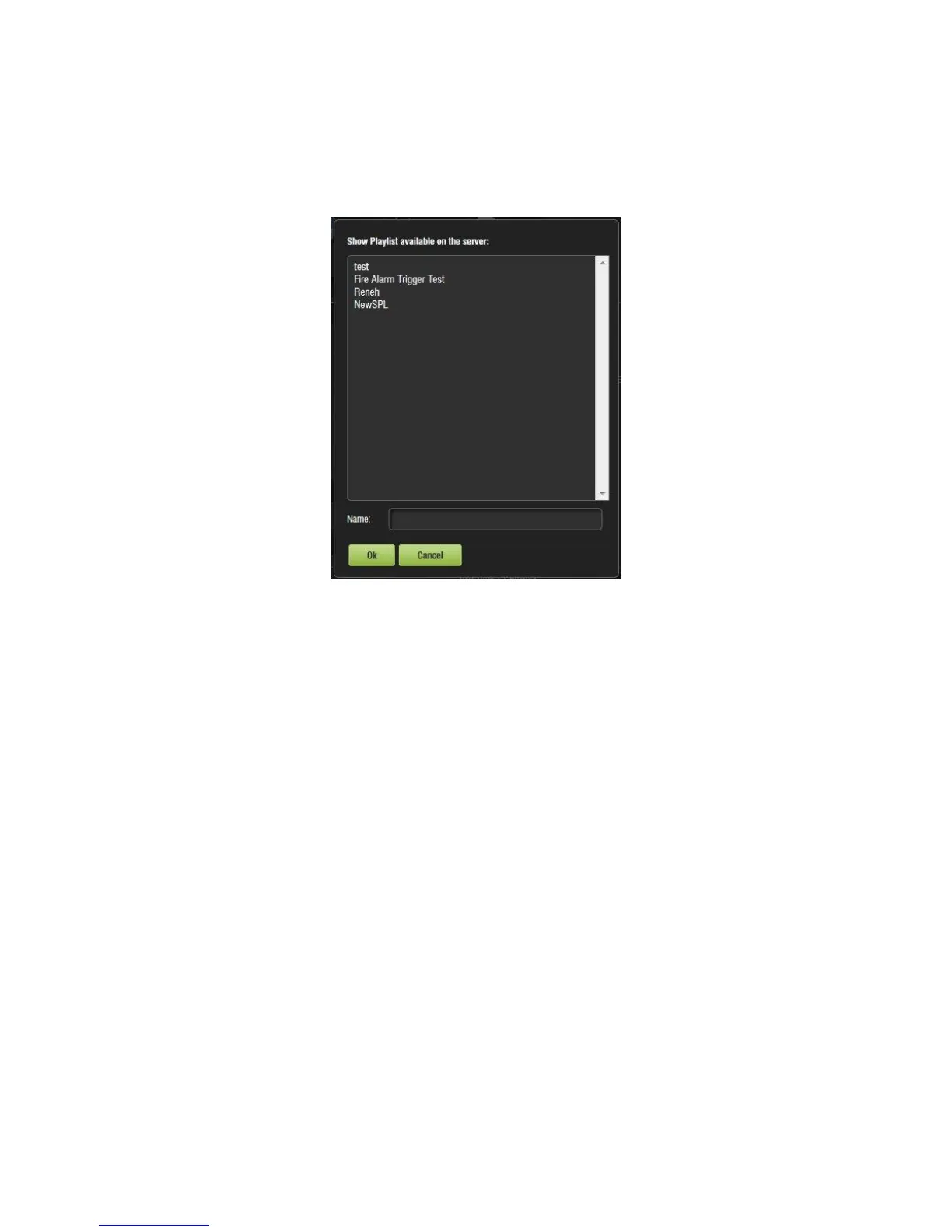
● A new window will appear allowing the user to select the desired SPL (Figure 230).
Figure 230: Open SPL
● Select the desired SPL and click the Ok button. The Show Playlist will be displayed on
the right side of the GUI.
13.4.1 Editing an Existing Show Playlist
● Click on the Open button in the CineLister Editor tab (Figure 229).
● The user will be prompted to the SPLs Available on Server window (Figure 230).
● Select the SPL and click Ok.
● The SPL’s content will be displayed on the right side of the GUI (Figure 231).



 To Next Page