IMS.OM.002949.DRM Page 235 of 310 Version 1.4
Doremi Labs
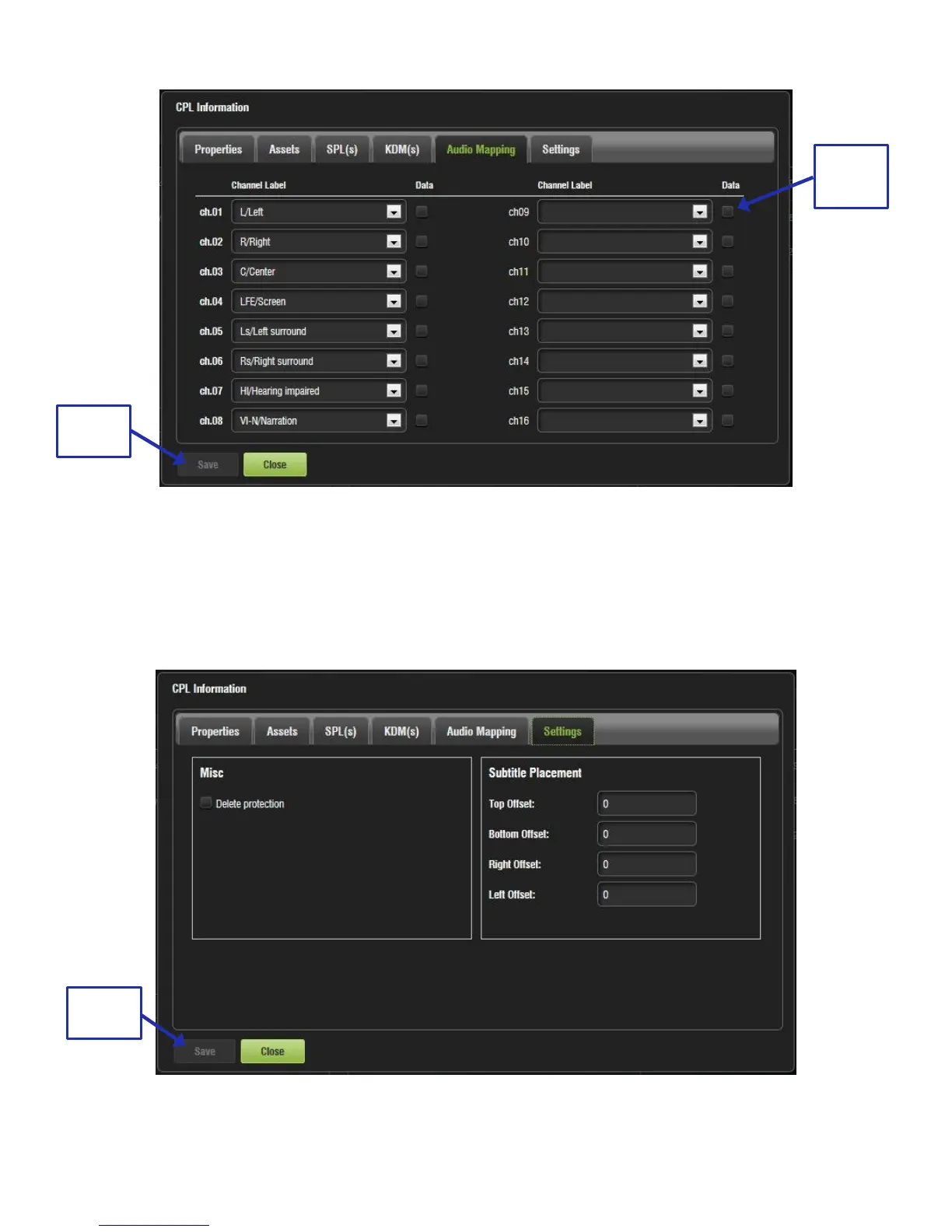
Figure 294: Audio Mapping Tab
13.10.2.2.6 Settings Tab
The Settings tab allows the user to alter the subtitle placement for the CPL as well as enable
delete protection, which prevents that CPL from being deleted. If a user attempts to delete the
CPL, they will get an error message. Click Save to save any modifications (Figure 295).
Figure 295: Settings Tab



 To Next Page