IMS.OM.002949.DRM Page 92 of 310 Version 1.4
Doremi Labs
10.4 NTP Servers
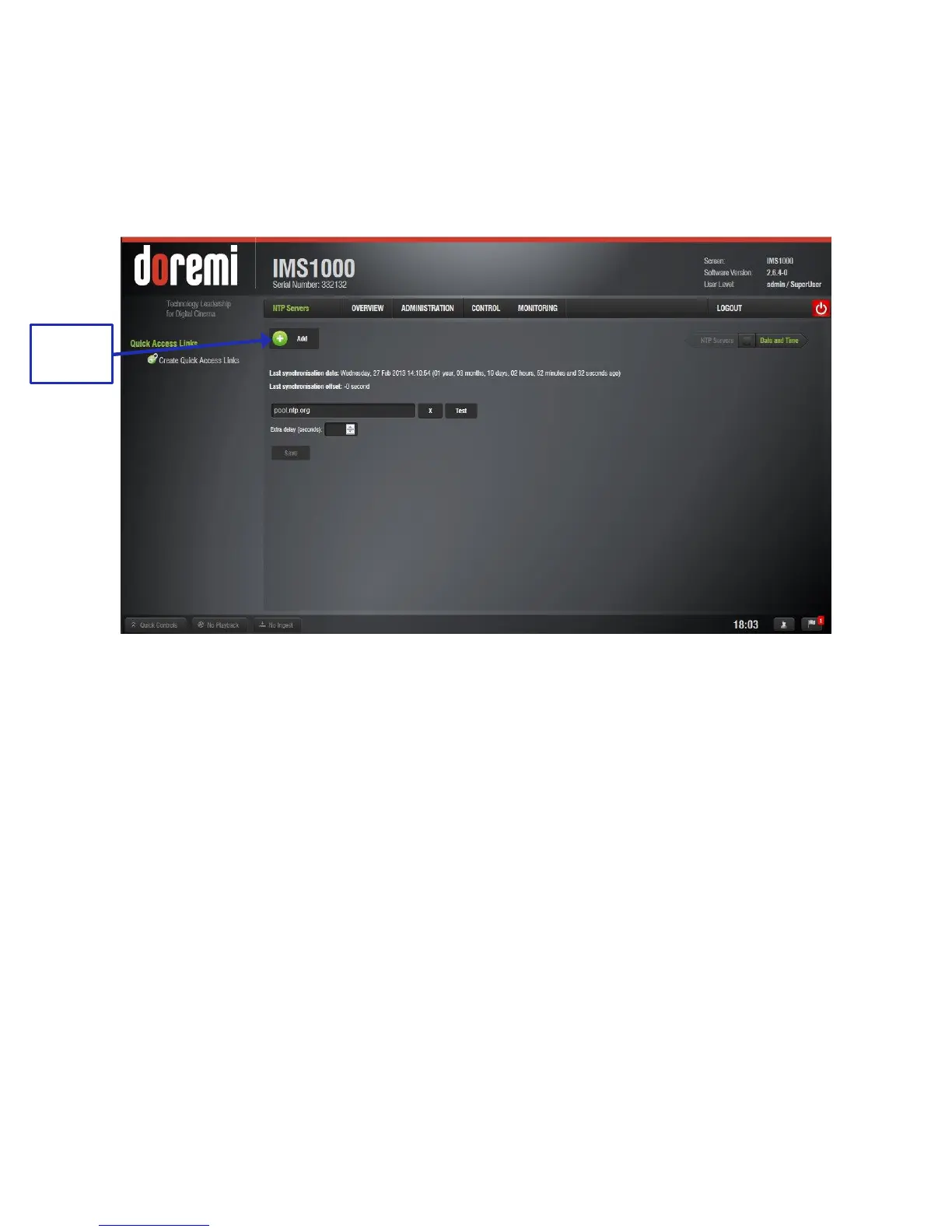
NTP (Network Time Protocol) Servers are specific servers that sync the time and date on your
unit to the UTC time. To access the NTP Servers tab, click on the green arrow button on the
right side of the Date and Time tab, found by going to Administration → Control Panel → Time
Settings (Figure 100). Click the Add button to add your NTP server (Figure 101).
Figure 101: NTP Servers



 To Next Page