IMS.OM.002949.DRM Page 91 of 310 Version 1.4
Doremi Labs
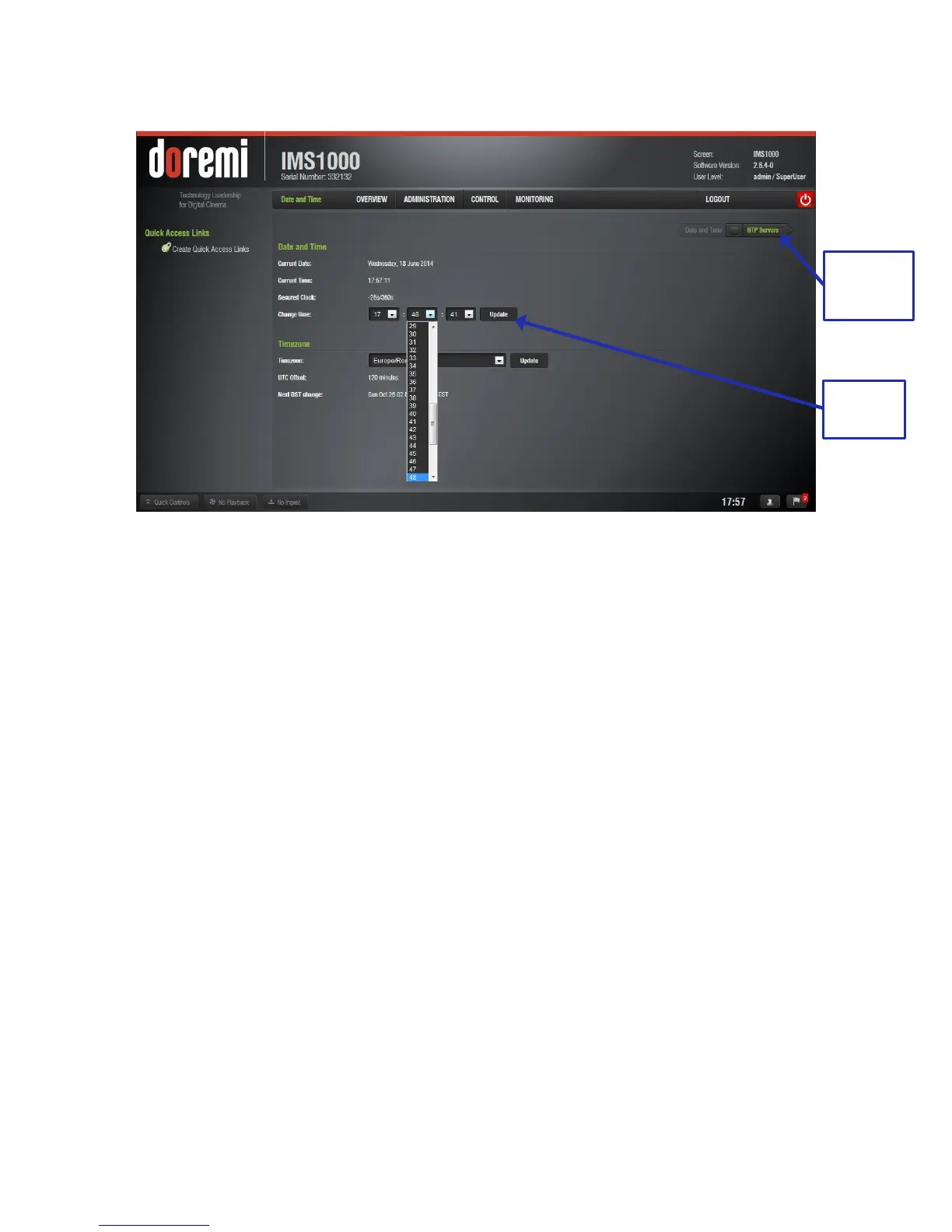
● For each box, a list of time settings will appear (Figure 100).
Figure 100: Change Time Drop-Down Window
● Once the appropriate time change has been selected and appears within the box
labeled, Change Time, click the Update button to save this setting (Figure 100).
● SuperUser privileges are necessary to save the change.
● If you exceed your allotted +/- 6 minute limit, contact your first tier support
representative.



 To Next Page