IMS.OM.002949.DRM Page 64 of 310 Version 1.4
Doremi Labs
6 Installation and Marriage with a Christie Series-2
Projector
Before you begin to install the IMS1000 into your projector, be sure that:
o The projector is powered down and in the off position.
o Disconnect the AC power cord from the wall.
o Remember to always follow ESD procedures.
6.1 Preparation
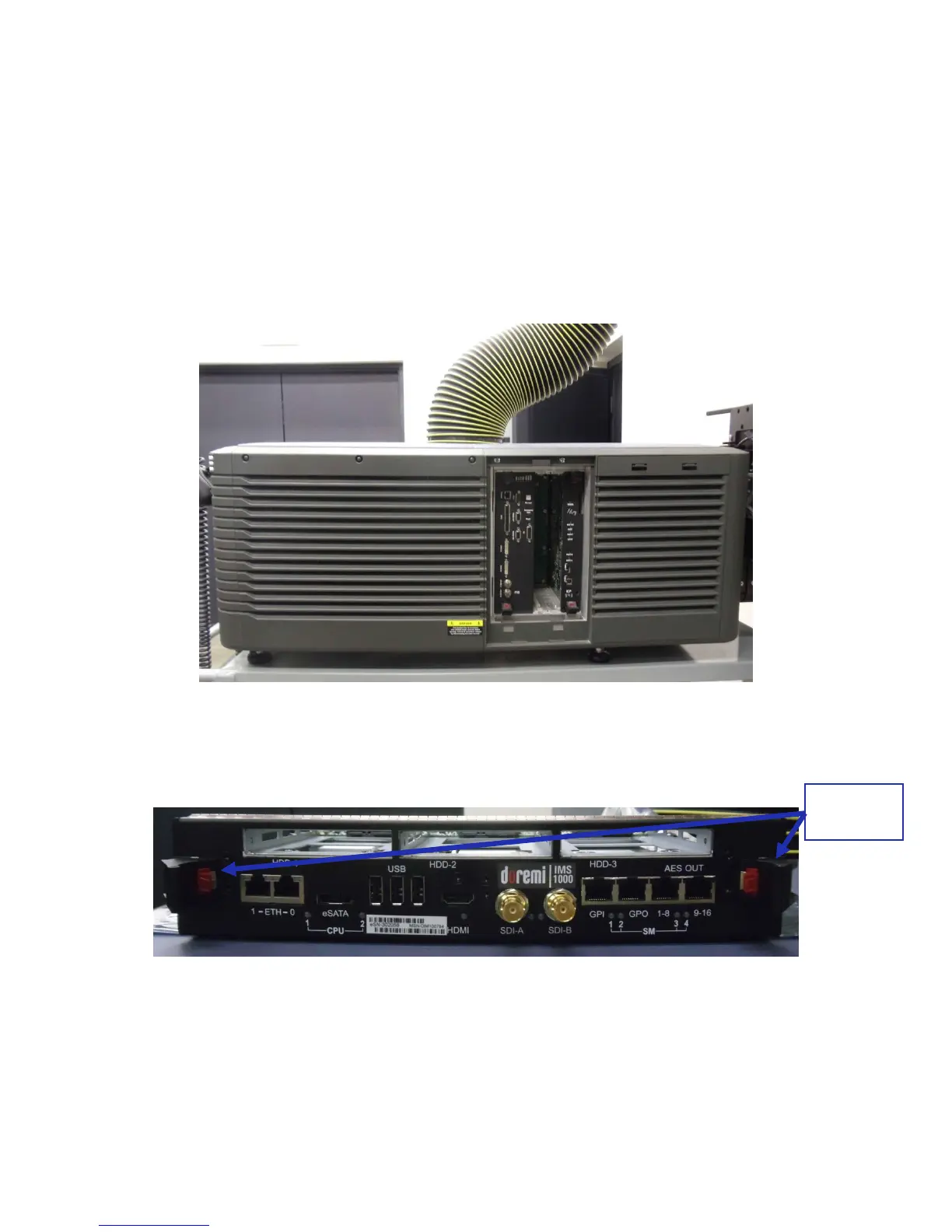
Figure 61: Christie Projector
Remove the blank cover of the media block slot, if it is present, by unlatching the two
latches on the sides (Figure 62).
Figure 62: Faceplate Latches
The media block slot should now be empty (Figure 63).



 To Next Page