IMS.OM.002949.DRM Page 65 of 310 Version 1.4
Doremi Labs
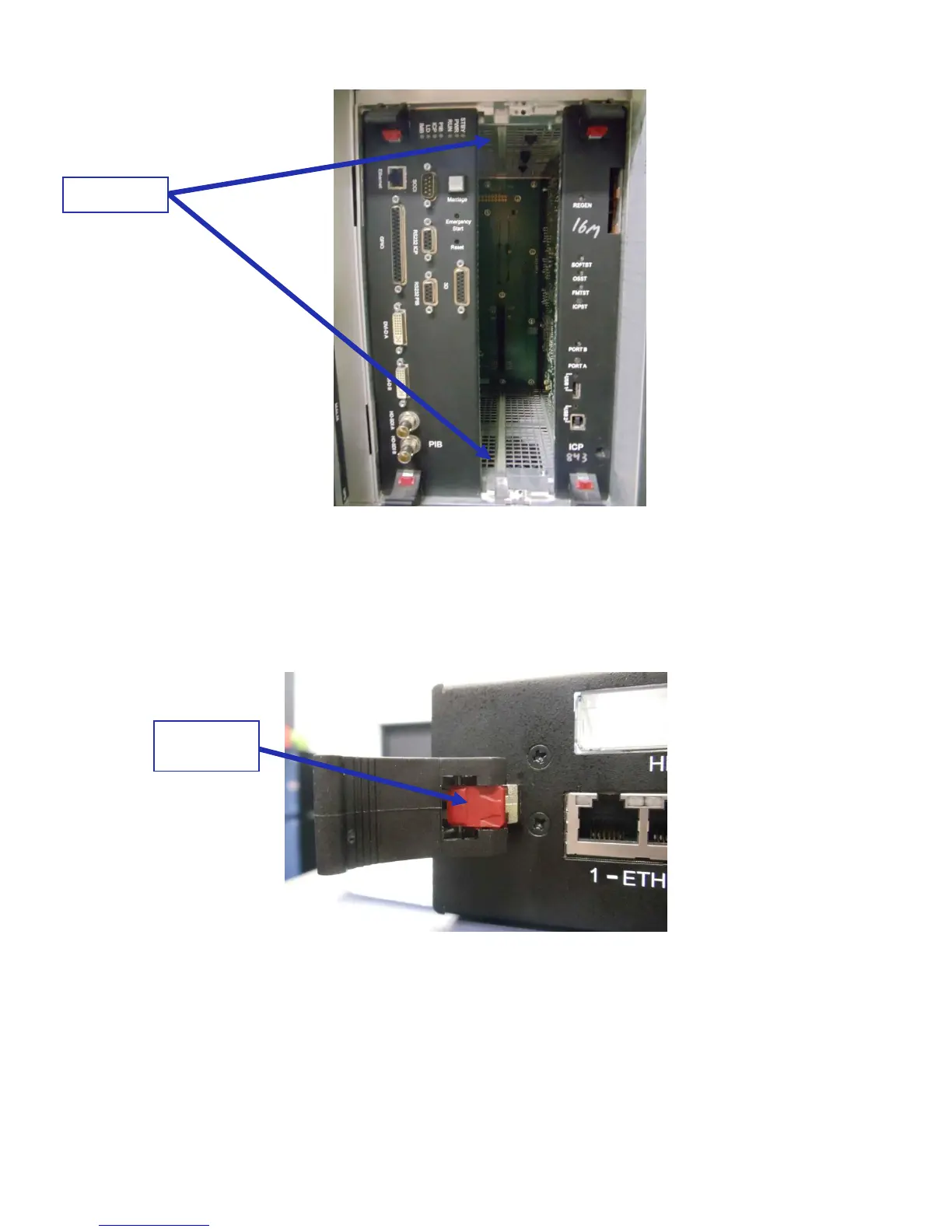
Figure 63: Empty Media Block Slot
Carefully remove the IMS1000 from its carton and antistatic bag.
Gently place the IMS1000 board into the projectors media block slot guiderails on the
inside of the slot (Figure 63). The latches must be out and open for the IMS1000 to fit
properly. To open the latches, press on the red button (Figure 64).
Figure 64: Red Button on Latch
Close the two latches to secure the board (Figure 65).



 To Next Page