IMS.OM.002949.DRM Page 84 of 310 Version 1.4
Doremi Labs
8.1 Users
The user will be prompted to enter a password for various tasks when using different
applications. The administrator determines the level of security.
Note: Please contact your system administrator for passwords, not Doremi Labs.
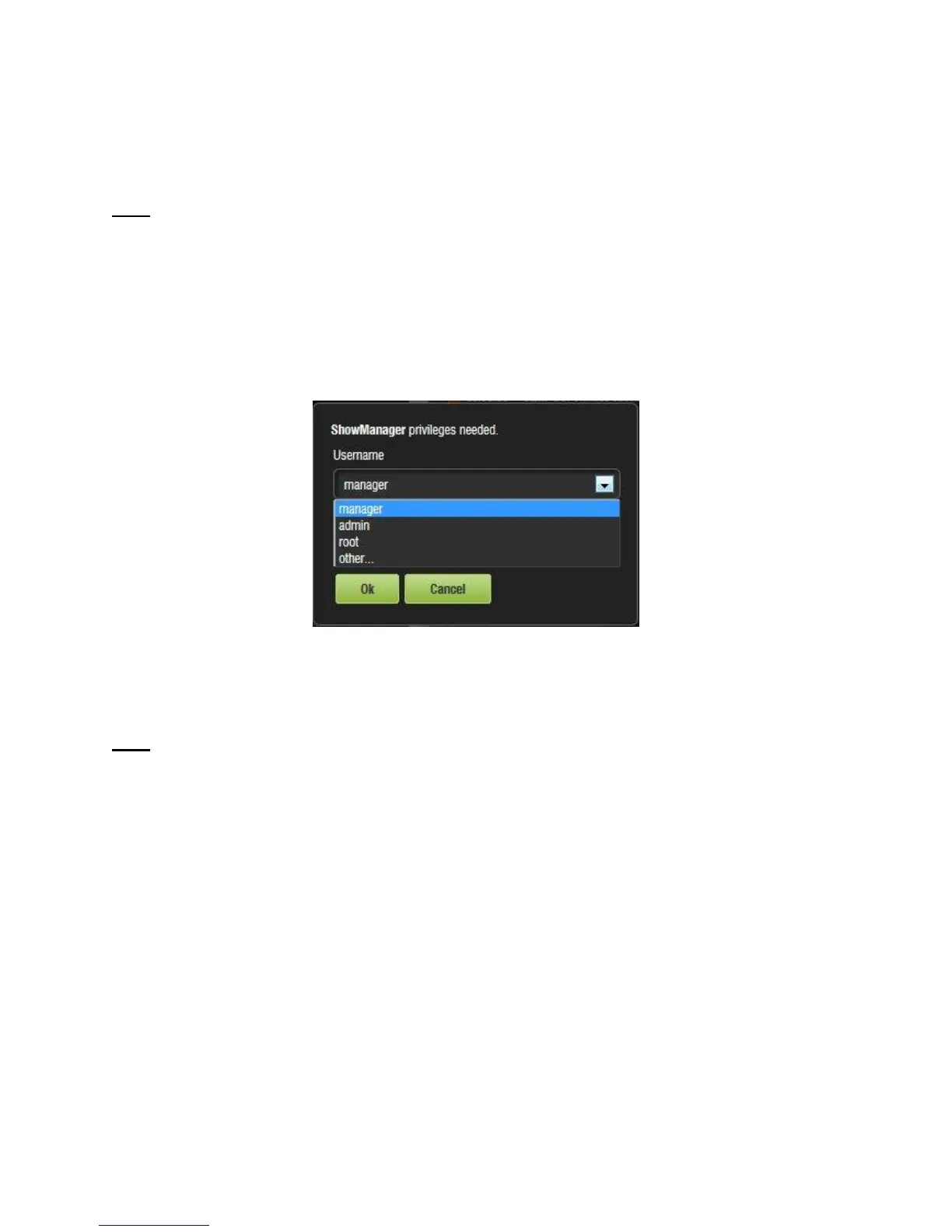
The following are types of passwords/privileges the user may be asked for (Figure 94):
● Admin (Administrator) – Super User
● Manager – ShowManager
● Root – Administrator
● Ingest – Projection
● Doremi – Projection
Figure 94: Password Confirmation Window
In Figure 94, the user is asked to select the username and password.
Note: The server will need authentication to complete certain tasks. For example, the
authentication required in the window above is ShowManager privileges; hence the server will
automatically prompt the user to the Manager username. However, it is possible to select a
different username from the drop-down list as shown in Figure 94 above, depending on the level
of security that has been provided.



 To Next Page