IMS.OM.002949.DRM Page 245 of 310 Version 1.4
Doremi Labs
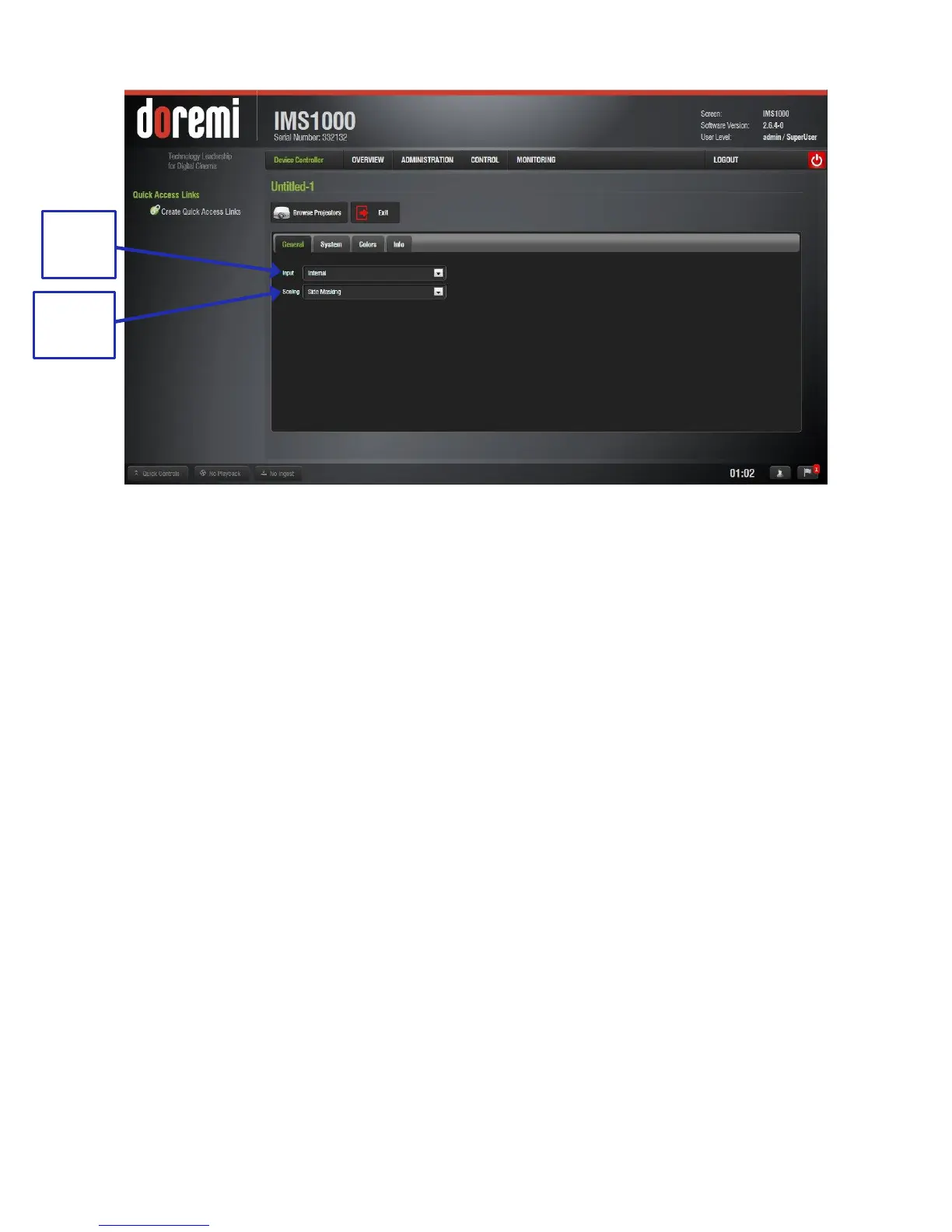
Figure 307: General Tab
Input: The following sources are supported:
o Internal: signal source is the IMS1000 hard drives.
o HDMI: signal source is an external device (e.g., BD player) that connects via
HDMI cable to the IMS1000.
o SDI: signal source is an external device that connects via SDI cables to the
IMS1000.
Scaling: The following masking/scaling is selectable from the drop-down menu.
o Side Masking
o Top/Bottom Masking
o One-to-One
13.11.2.2 System Tab
The second tab displays the networking configuration (Figure 308).



 To Next Page