IMS.OM.002949.DRM Page 71 of 310 Version 1.4
Doremi Labs
Note: Ethernet port (Eth0) is set to DHCP by default. All IMS1000 boards are shipped
from the factory with the following default IP address for Eth1:
o IP: 192.168.100.50
o SM: 255.255.255.0
o GW: 192.168.100.1
For more information, refer to Section 23.
6.6 Power on Projector
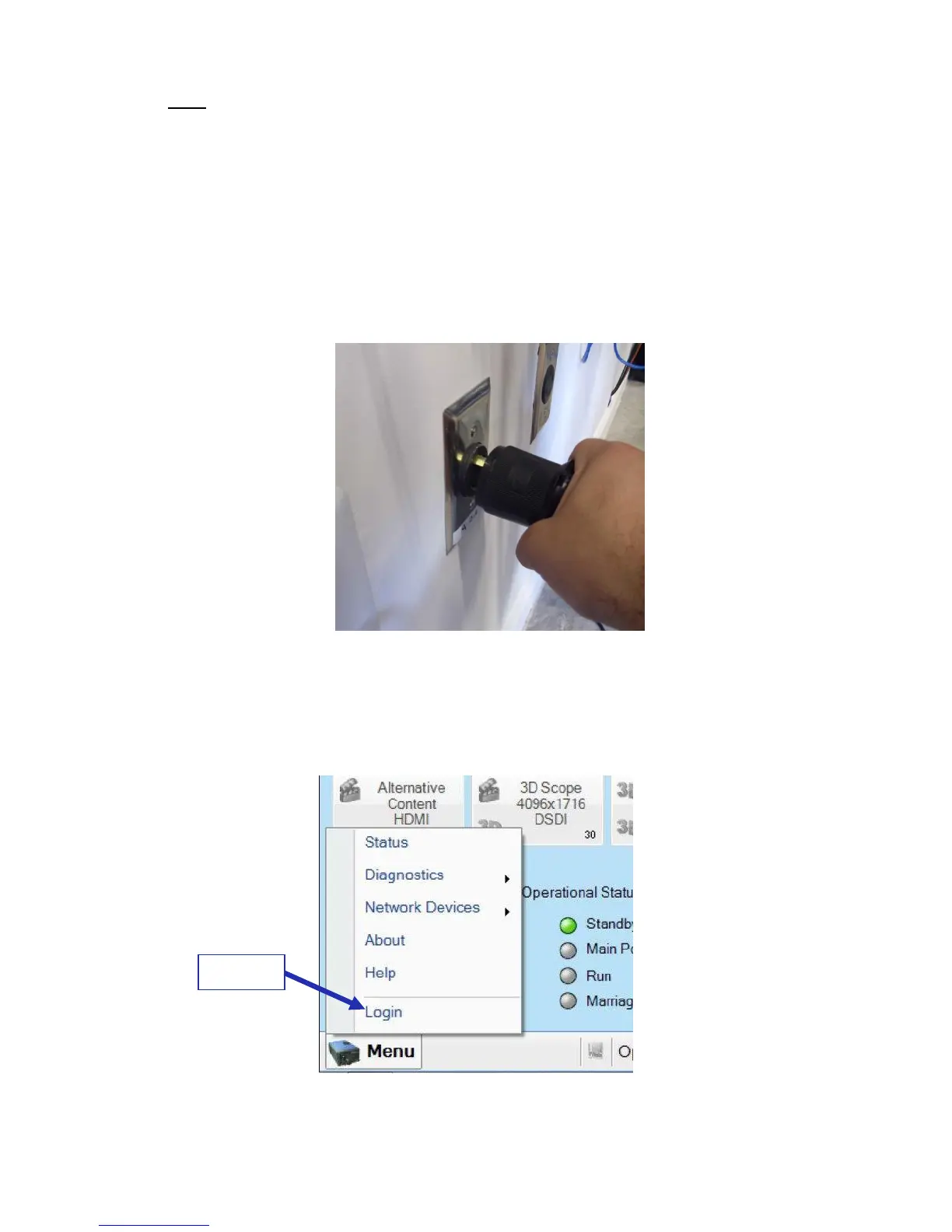
● Connect AC power to the projector (Figure 74).
Figure 74: AC Power
After about 1:45 minutes, the main screen will appear on the touch panel controller. Go
to Menu → Login and login as Marriage. Contact your administrator for the correct
password (Figure 75).
Figure 75: Login



 To Next Page