IMS.OM.002949.DRM Page 89 of 310 Version 1.4
Doremi Labs
10 Time Zone Configuration
Units are by default set to Pacific Time Zone (PST or PDT). This section provides information on
how to check and/or change the time zone.
10.1 Checking the Time Zone
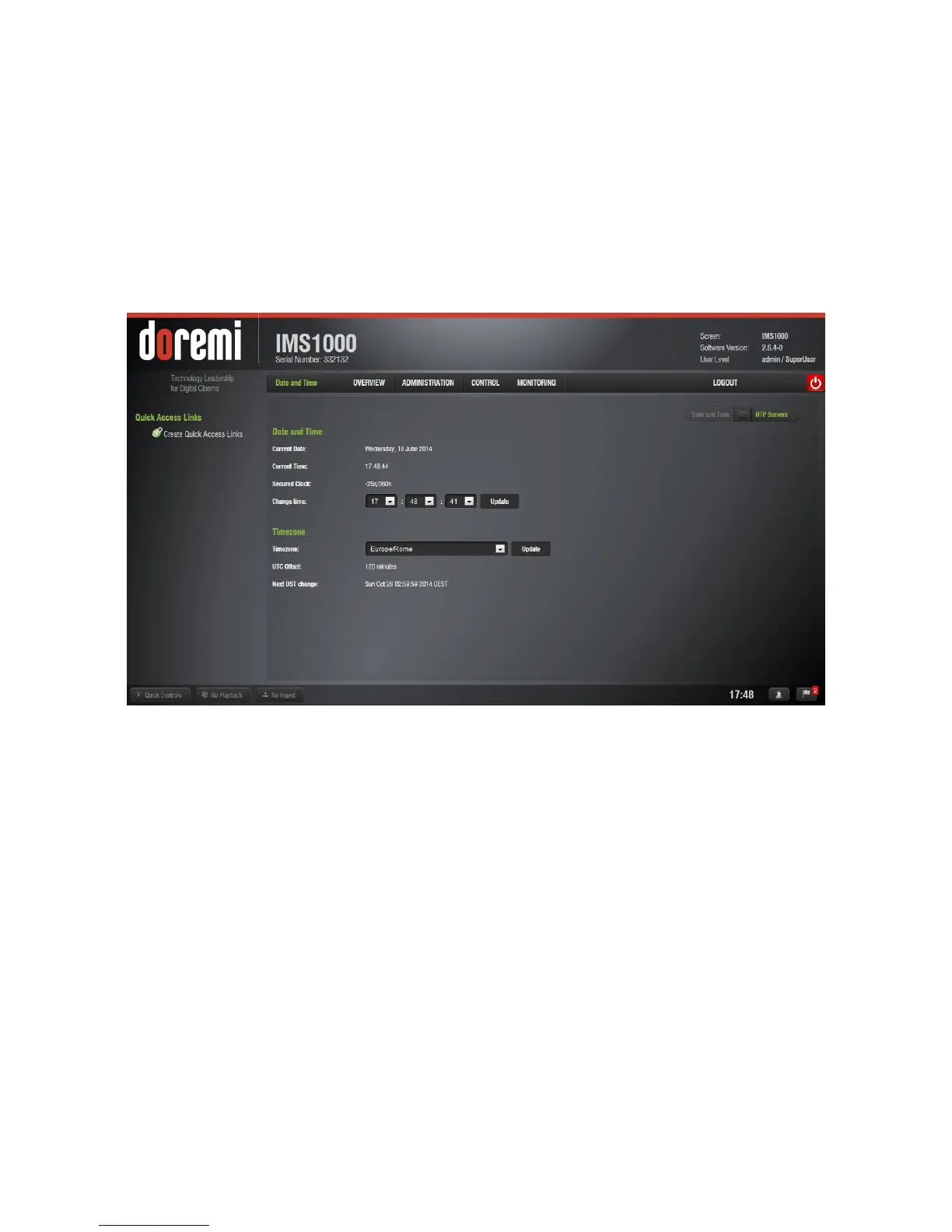
● To check the time and time zone, go to Administration → Control Panel → Time Settings
and the Date and Time tab will appear (Figure 98).
Figure 98: Current Date and Time Window



 To Next Page