IMS.OM.002949.DRM Page 239 of 310 Version 1.4
Doremi Labs
13.10.4.2 Download
Highlighting a SPL will reveal the Download icon on the right hand side (Figure 299). This allows
the user to download the SPL onto a computer and to view the CPLs in the SPL.
After selecting a SPL and clicking the Download button, the user will be asked to save or open
the file.
13.10.4.3 Information
Select a SPL and click on it to get details regarding the SPL.
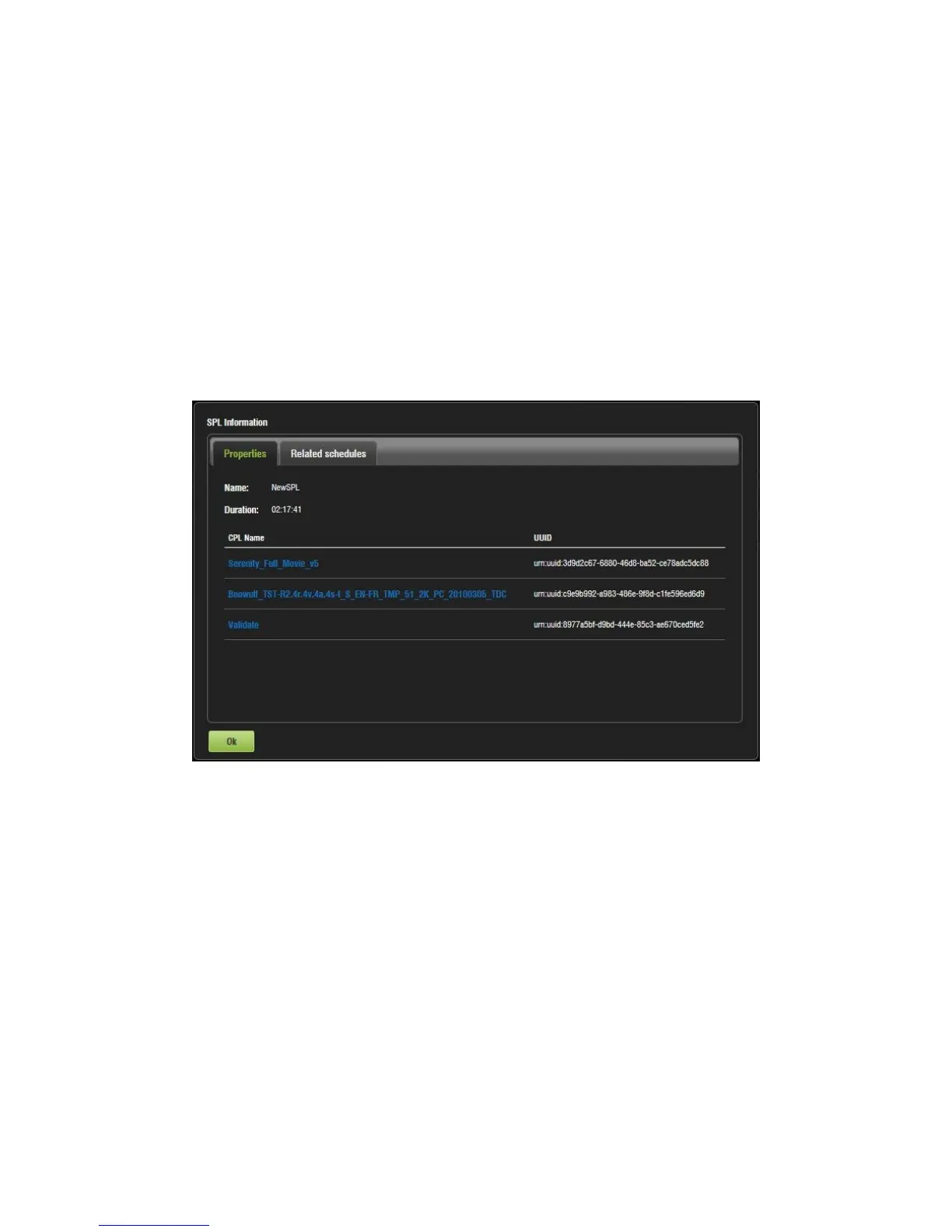
The SPL Information window pops up and displays the SPL Properties tab (all CPLs in it) and
the Related Schedules tab (Figure 300 and Figure 301).
Figure 300: Properties Tab



 To Next Page