IMS.OM.002949.DRM Page 249 of 310 Version 1.4
Doremi Labs
13.11.3 Manual Tab
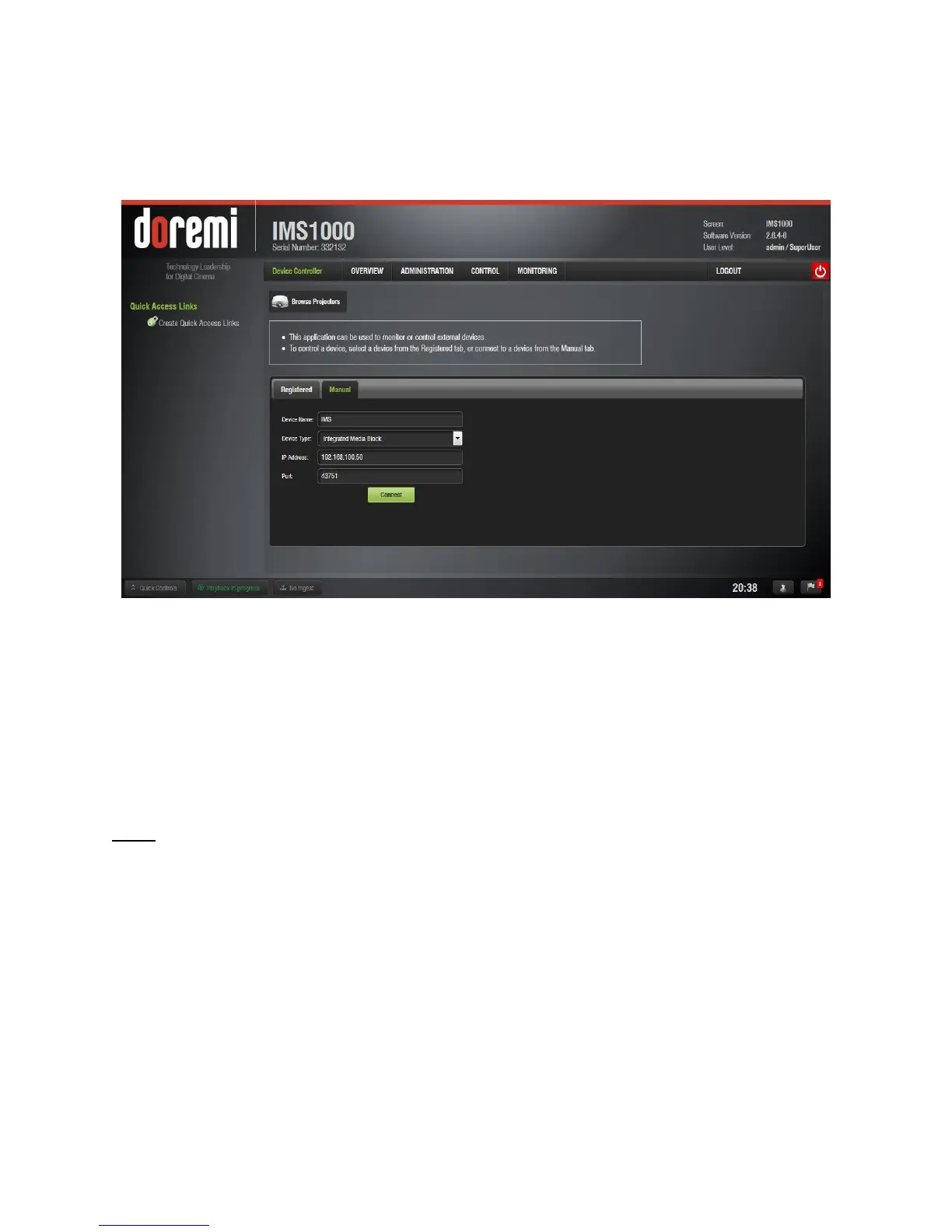
If the device is created manually in the Manual tab (Figure 311), then it will be temporary and
will be lost once the unit is rebooted or the user logs out.
Figure 311: Manual Tab
The following information is required to configure the device manually:
o Device Name: It is recommended that the user use a relevant name.
o Device Type: Click on the arrow for the list of supported devices.
o IP Address: IP address of the device to control.
Port: This information is automatically populated after choosing the Device Type.
o IMB Port Number → 43751
Note: Ethernet port (Eth0) is set to DHCP by default. All IMS1000 boards are shipped from the
factory with the following default IP address for Eth1:
IP: 192.168.100.50
SM: 255.255.255.0
GW: 192.168.100.1



 To Next Page