IMS.OM.002949.DRM Page 139 of 310 Version 1.4
Doremi Labs
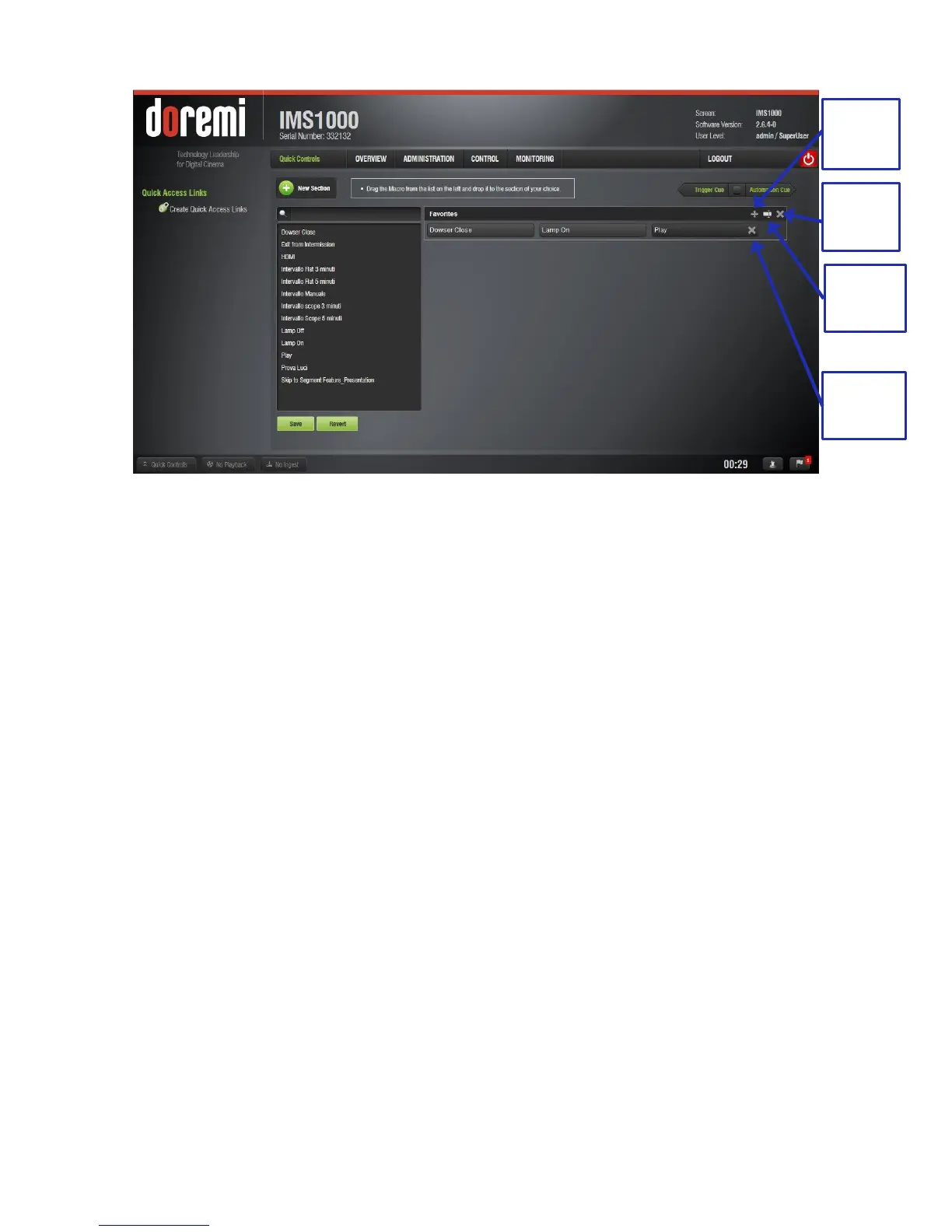
Figure 154: Edit Section
12.7.3 Executing the Quick Controls
When all of the sections have been set and saved, click on the Quick Controls button on the
bottom left corner in the Notification Bar and the recently added macros will appear in the Quick
Controls window.
Click on previously created macro to execute it from any tab on the GUI (Figure 155).
Clicking on the Quick Controls button in the Notifications Bar again will close the
window.



 To Next Page