IMS.OM.002949.DRM Page 241 of 310 Version 1.4
Doremi Labs
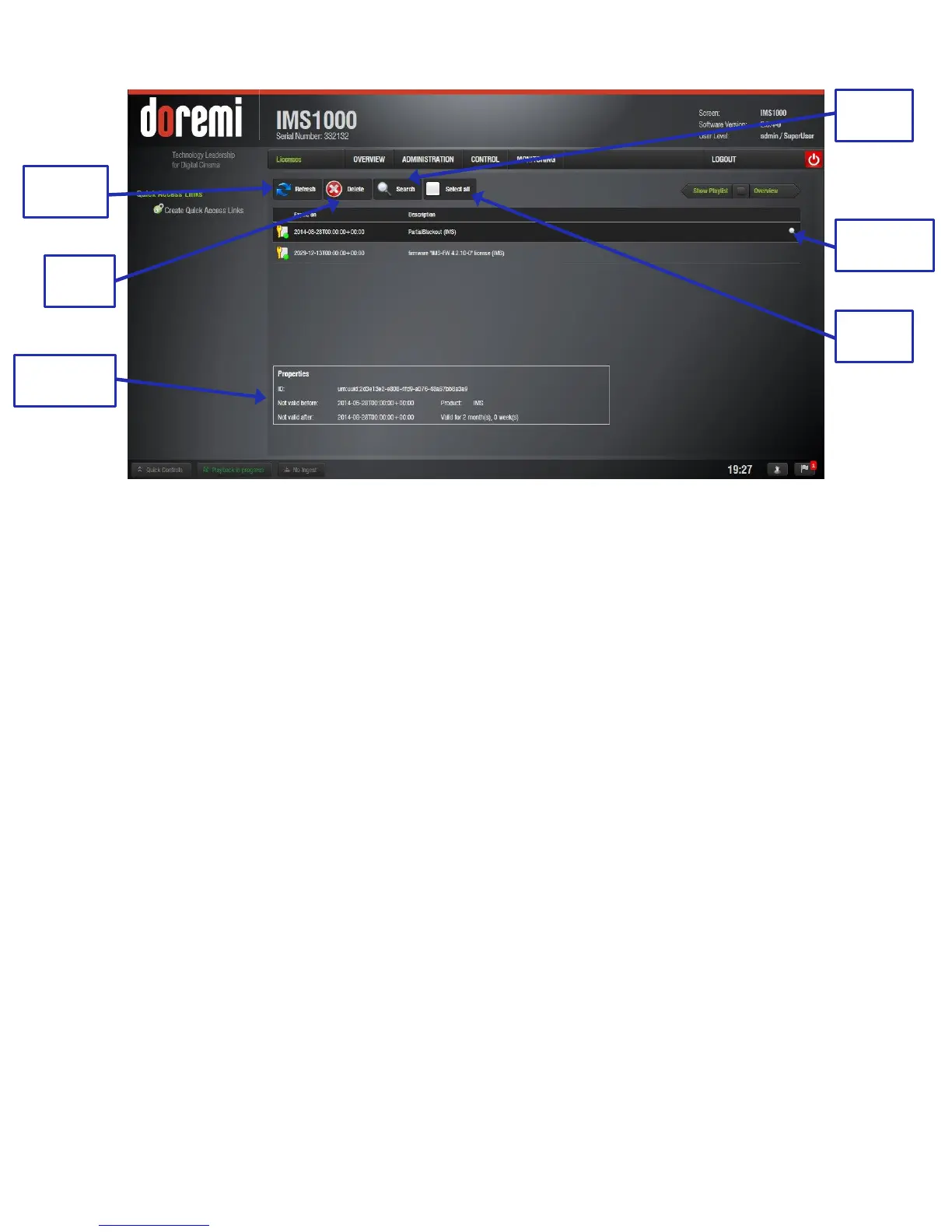
Figure 302: Licenses Tab
13.10.5.2 Delete a License
Select the license from the list and then click on the Delete button (Figure 302).
A Manager password will be needed to perform the deletion. If the user is already logged
in with SuperManager privileges, the password confirmation window will not appear.
Click Yes to confirm the deletion.
13.10.6 Adding a License
To add a license, have the license file on a USB flash drive and plug it into a USB port
on the unit.
Go to the Control → Ingest Manager and select Local Storage from the drop-down
menu.
Select the license file(s) to install and click the Ingest button (Figure 303).



 To Next Page