IMS.OM.002949.DRM Page 242 of 310 Version 1.4
Doremi Labs
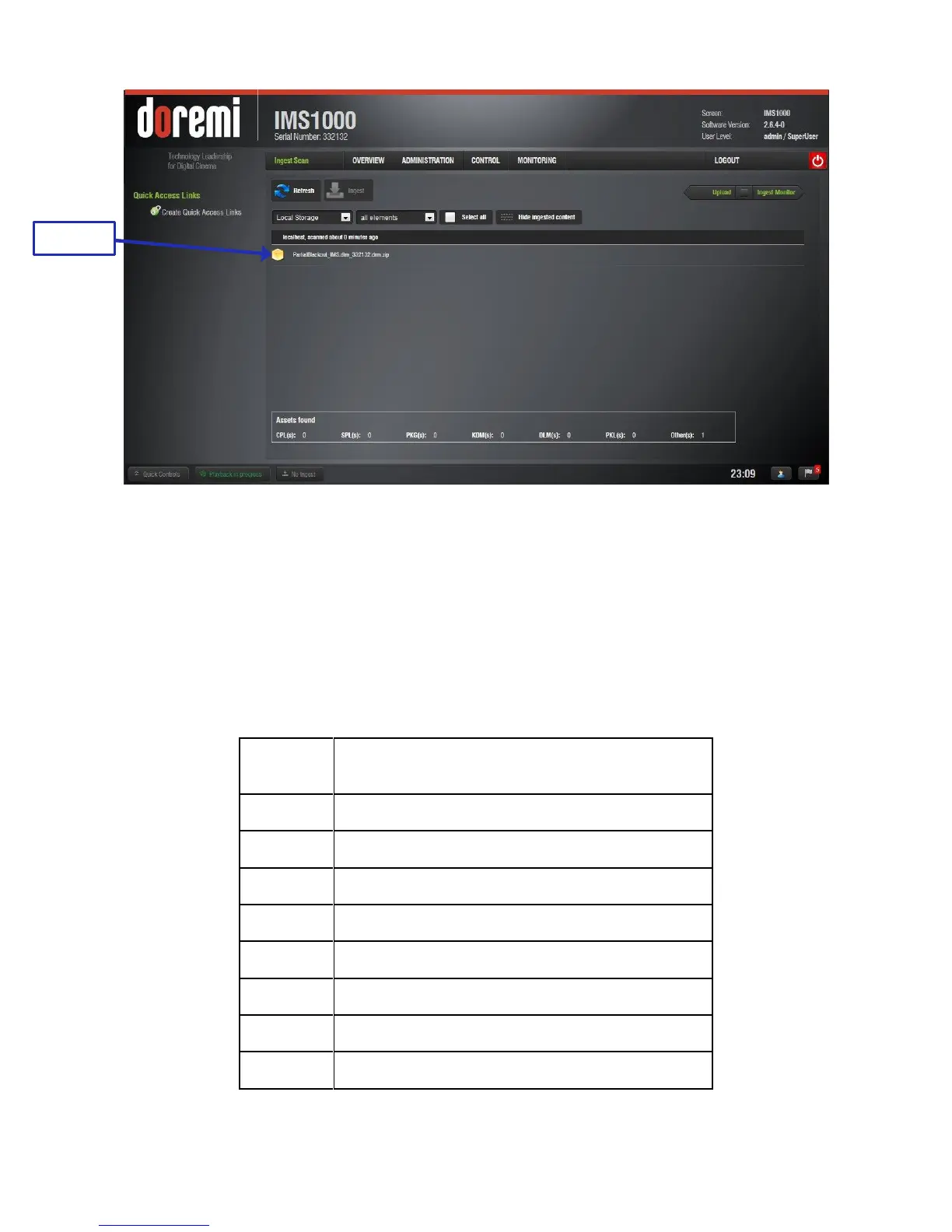
Figure 303: License Ingest
The user will be asked for a password. Enter the appropriate password and press Ok.
It is not necessary to reboot the unit.
Go back to the License Manager GUI. The ingested license(s) will be visible.
After ingesting a license, the associated device (e.g., “Subtitle Engine,” “Dolby DFC
100”) will be visible in the Device Manager GUI.
13.10.7 Licenses Available - Managed Through Doremi License Control
(DLM)
Sensio HiFi 3D Demux (support is forthcoming,
Q3 2014)
RealD 3D (support is forthcoming, Q3 2014)
RealD Side-by-Side License
Auro 3D (support is forthcoming, Q3 2014)



 To Next Page