IMS.OM.002949.DRM Page 117 of 310 Version 1.4
Doremi Labs
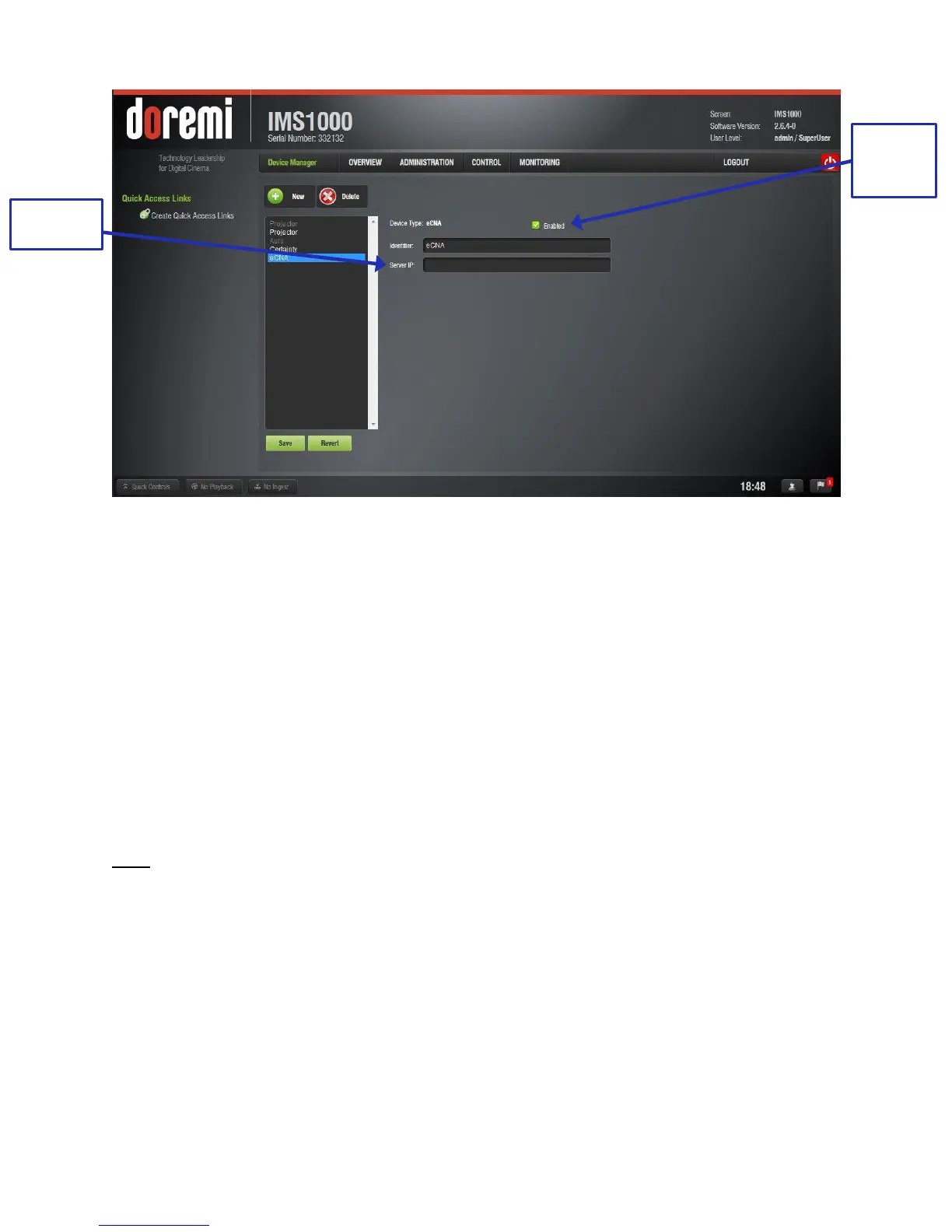
Figure 127: eCNA Added
12.3.3.1 Removing an eCNA Device
To remove the eCNA device, select it in the Device Manager GUI and click the Delete
Device button (Figure 126).
12.3.4 Adding a JNior Device
To add the JNior device, click the New button in the Device Manager window (Figure
123).
The New Device drop-down window will appear. Select JNior.
The Device Manager GUI will be updated to reflect the addition of the JNior device.
Input the JNior Server IP address in the appropriate field (Figure 128).
The port number field will already contain the appropriate value (factory default value).
Note: The JNior device documentation will provide the correct username and password (factory
default values).
Click the Save button to record the settings. A window will appear asking for a password.
Enter the password to proceed. Clicking the Revert button prior to saving will delete the
unsaved information (Figure 126).



 To Next Page