IMS.OM.002949.DRM Page 201 of 310 Version 1.4
Doremi Labs
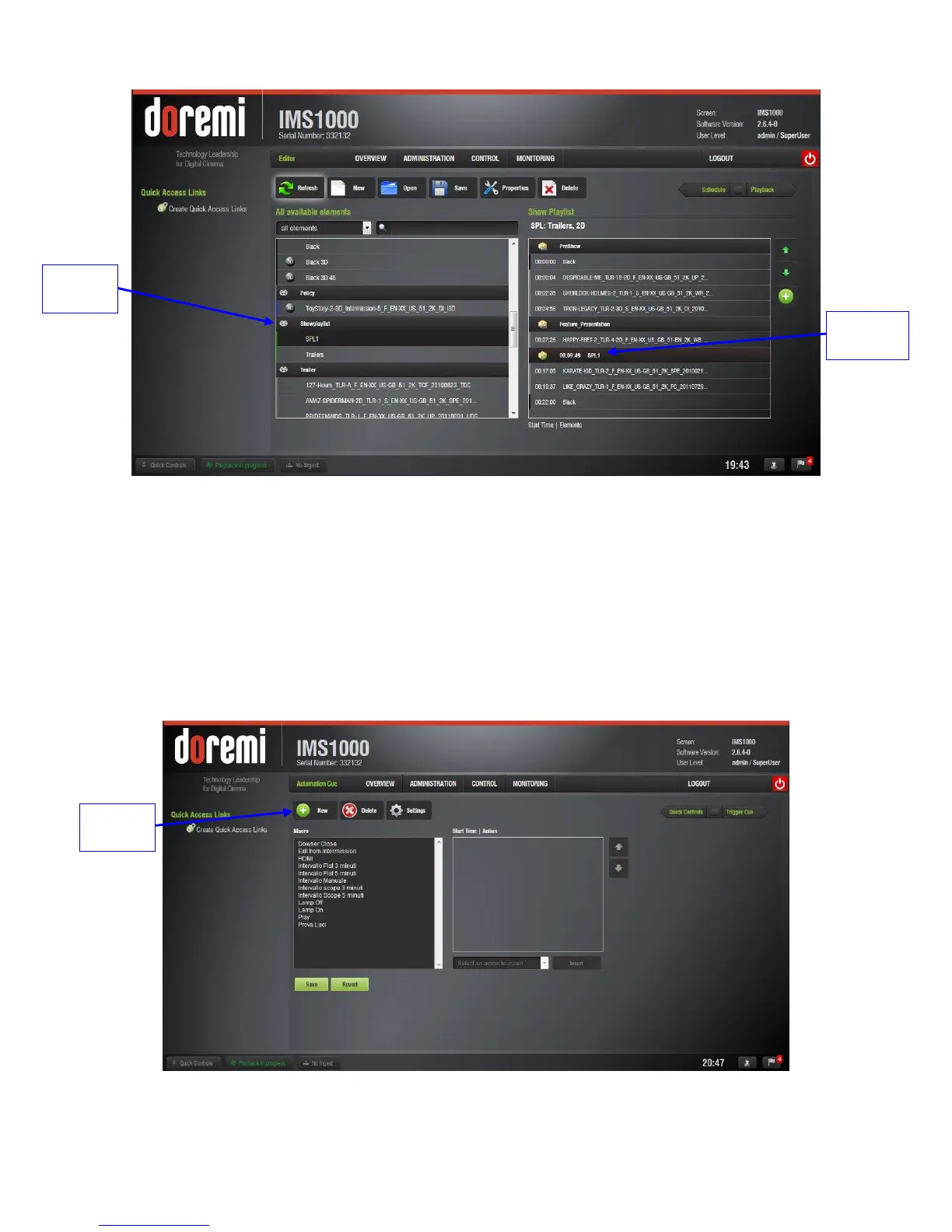
Figure 242: External SPL
Click the Save button to save any changes.
13.6.1.2 Skip to ShowPlaylist Segment Macro
The user can also create a macro that will cause playback to jump to a specific segment. To
create the macro, go to Administration → Macro Editor.
In the Macro Editor window, click on the New button (Figure 243).
Figure 243: New Macro



 To Next Page