IMS.OM.002949.DRM Page 169 of 310 Version 1.4
Doremi Labs
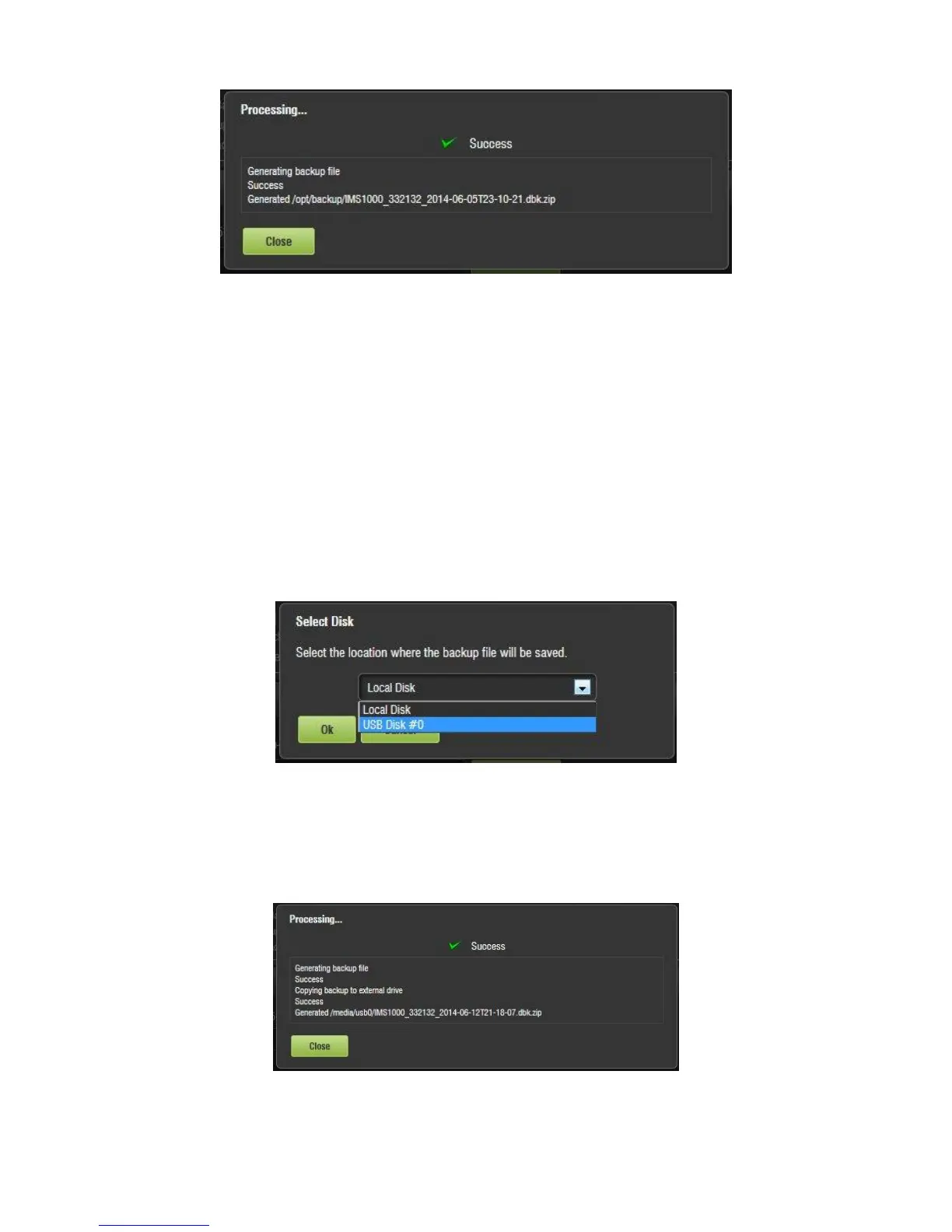
Figure 195: Backup Generation Window
Click on the Close button to exit out of the Backup Generation window.
To view the backup, go to the Restore Backup tab.
The manual backup process is now complete.
12.17.4.2 Manual Back Up to External Drive
To back up the configuration files manually, to an external drive (e.g., e-SATA or USB), follow
the instructions in this section.
Insert an external storage device into the unit. For this example, a USB flash drive will be
used.
Click on Generate Backup tab and click on the Generate button (Figure 193).
Select the USB from the drop down and click on the Ok button (Figure 196).
Figure 196: Select Location of Backup File - USB
The backup process will now begin.
The Backup Generation window will appear (Figure 197). This will indicate the backup
process was a success.
Figure 197: Backup Generation Window



 To Next Page