IMS.OM.002949.DRM Page 164 of 310 Version 1.4
Doremi Labs
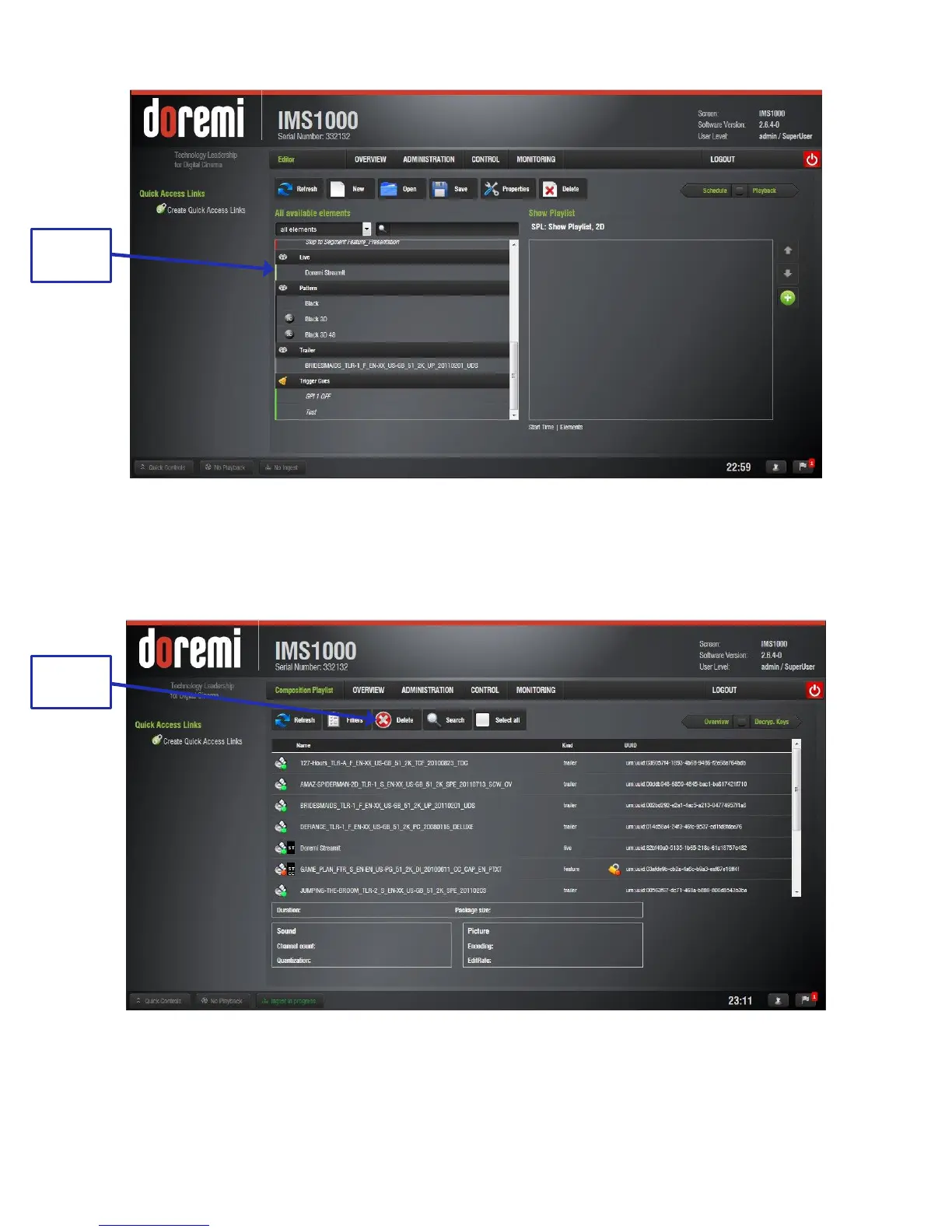
Figure 188: Live CPL Inserted in a Show Playlist
12.16.3 Deleting a Live CPL
To delete an existing live CPL, select it in the Composition Playlist tab of the Content
Manager application. Click the Delete button (Figure 189).
Figure 189: Deleting a Live Event
The live CPL will be deleted from the Live Manager as well.



 To Next Page