IMS.OM.002949.DRM Page 98 of 310 Version 1.4
Doremi Labs
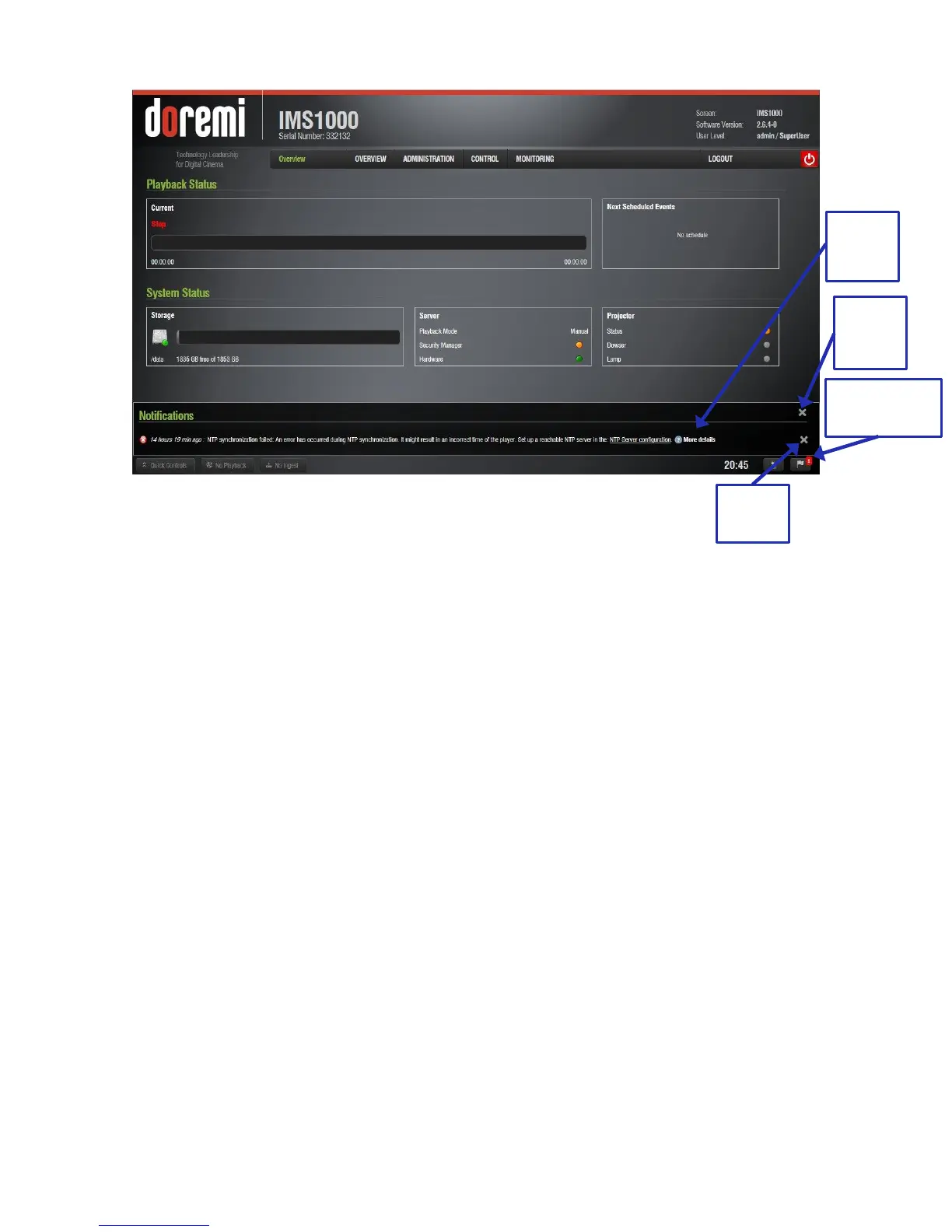
Figure 107: Notifications Window
Click on the Notifications button to view the notifications (Figure 107).
Clicking on the Notifications button again will cause the window to close.
Hovering over the More Details button provides more details about the notification
(Figure 107).
To delete a notification, highlight it and click on the X that appears on the right-hand side
(Figure 107). To delete all notifications, click on the X in the upper right corner of the
window.



 To Next Page