IMS.OM.002949.DRM Page 203 of 310 Version 1.4
Doremi Labs
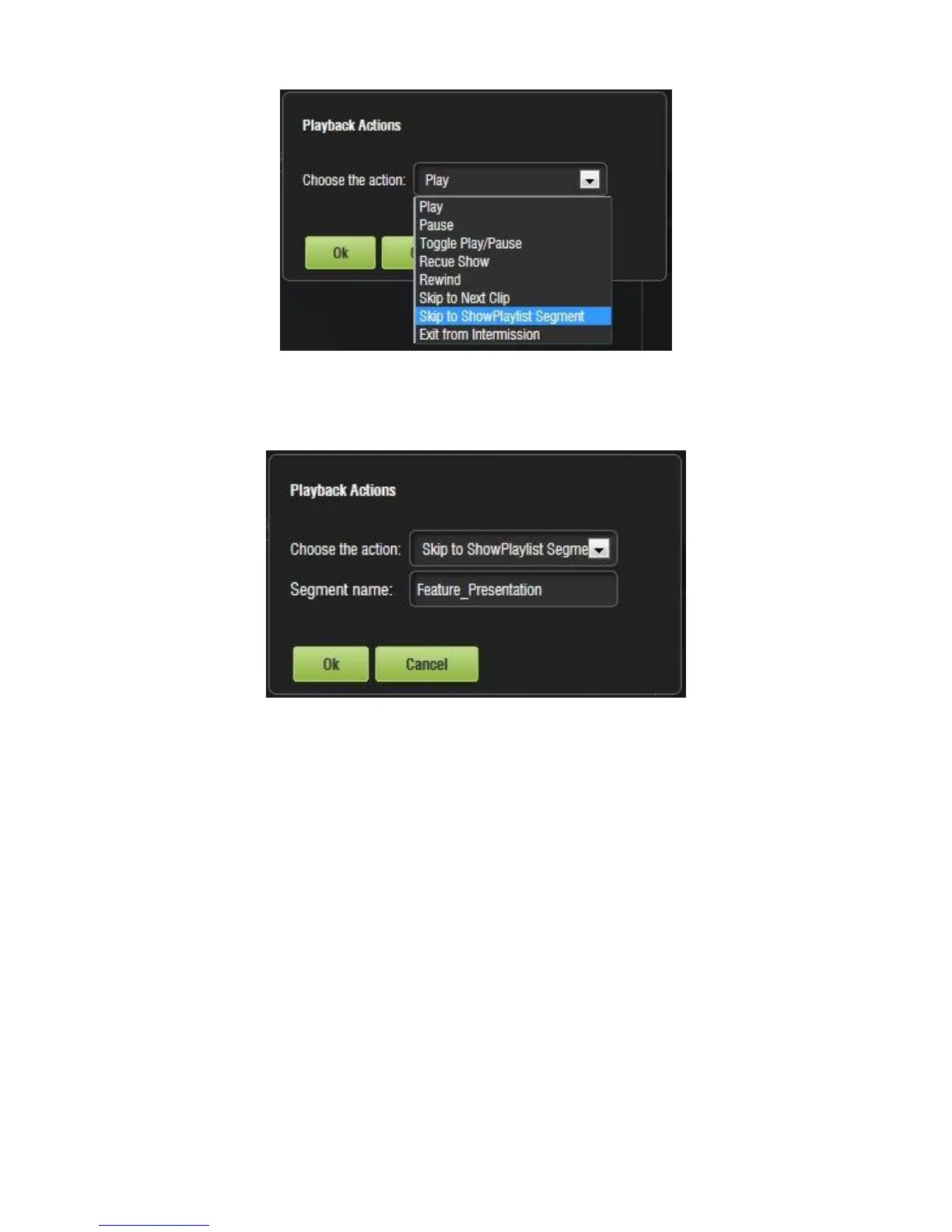
Figure 246: Playback Actions
Enter the exact name of the segment in the field that appears and click OK (Figure 247).
Figure 247: Segment Named
The newly added macro will appear in the Macro Editor. Click the Save button to save
the macro.
The macro will also appear in Cinelister after the Refresh button has been clicked
(Figure 248).



 To Next Page