IMS.OM.002949.DRM Page 157 of 310 Version 1.4
Doremi Labs
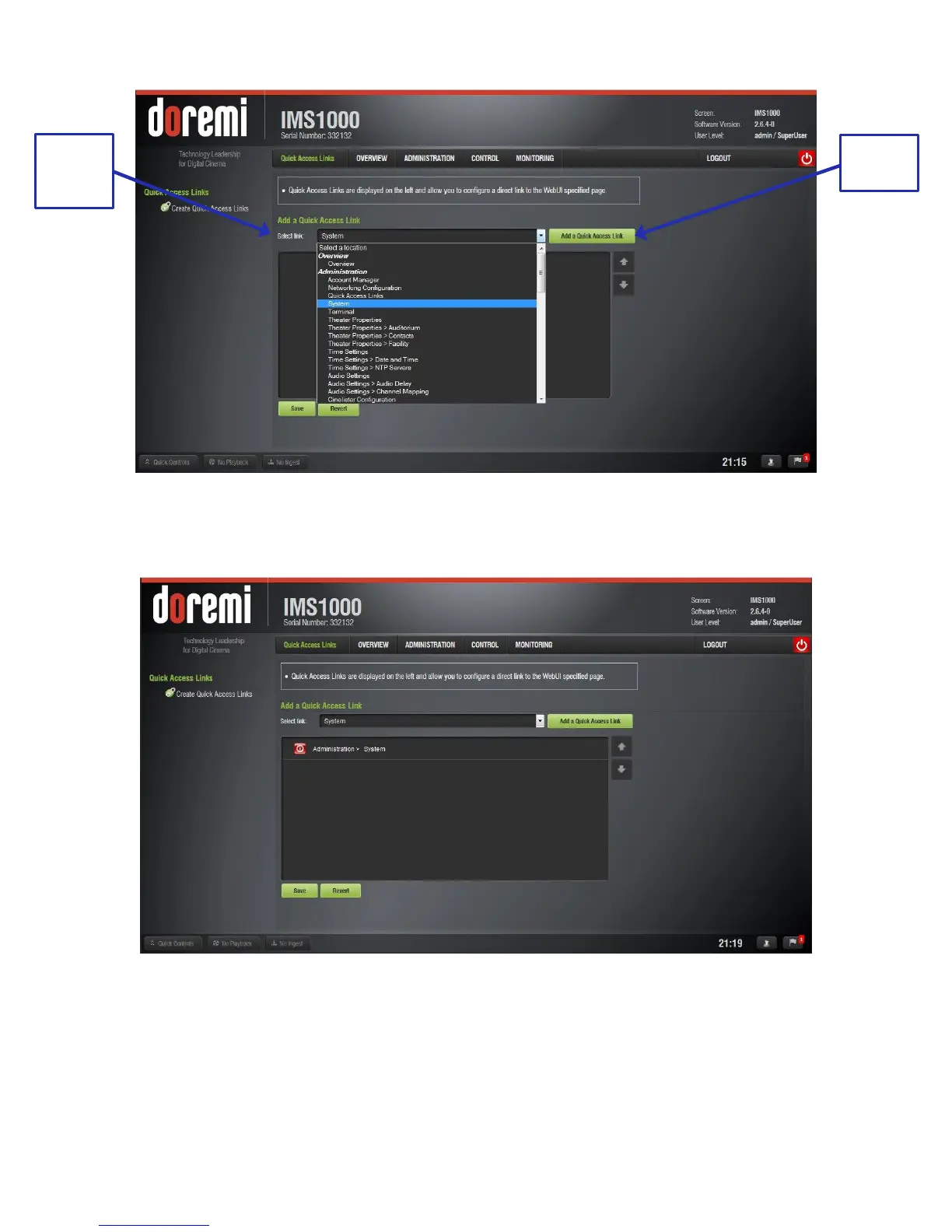
Figure 177: Quick Access Drop-Down Menu
The selected link will appear in the window (Figure 178).
Figure 178: Link Added
To edit the link, highlight the link (Figure 179).
To delete the link, click the X.
To rename the link, click the rectangle.
To revert to the default name, click the curving arrow.
For information on the action performed by the link, click the information button.



 To Next Page