IMS.OM.002949.DRM Page 262 of 310 Version 1.4
Doremi Labs
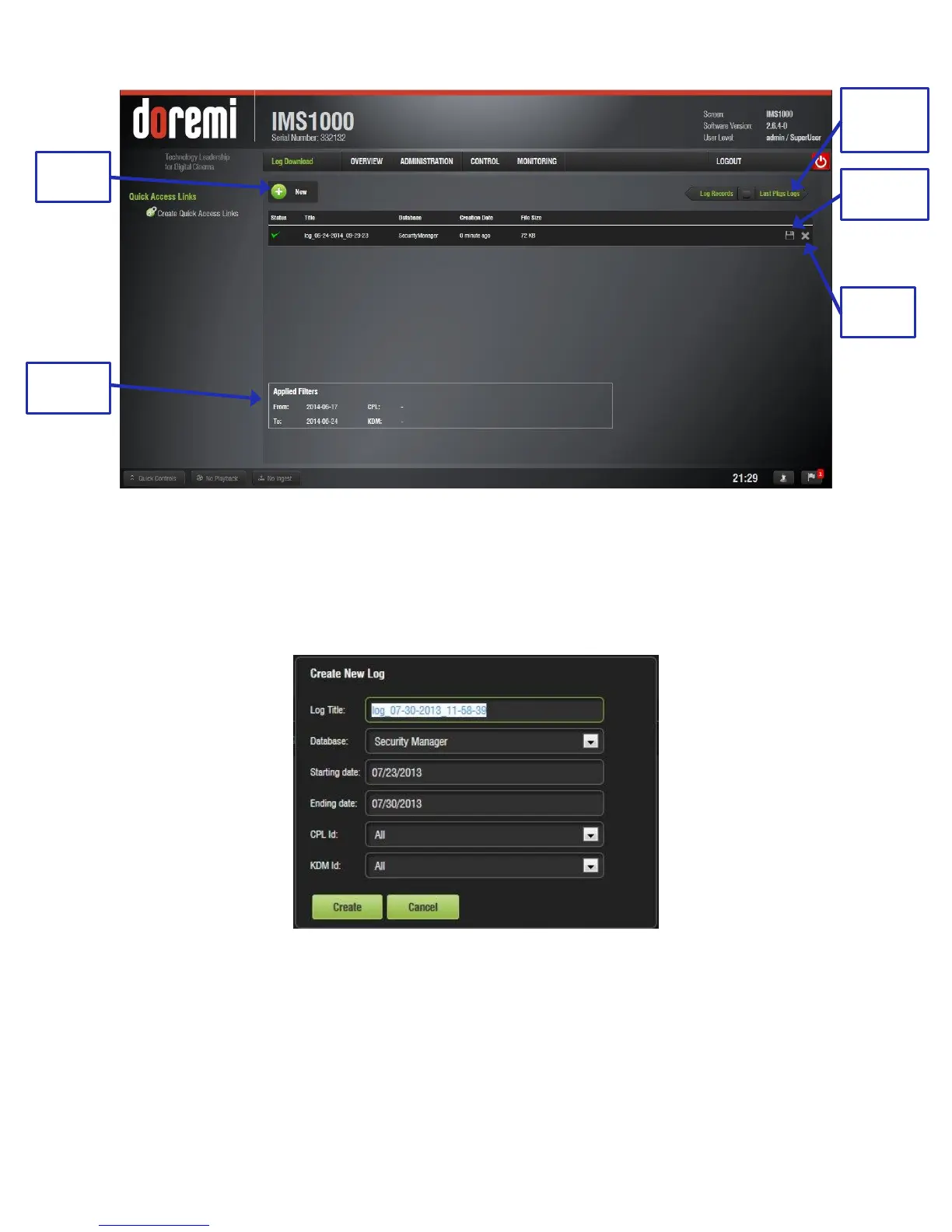
Figure 327: Log Download
To generate a log:
Click on the New button (Figure 327). Input the correct password, if necessary. The New
Log window will appear (Figure 328).
Figure 328: New Log Window
Select either the System or Security Manager database to create the log.
Select the starting and ending date.
Specify a CPL or KDM id, if desired.
Click the Create button or Cancel to cancel the operation (Figure 328).
The log will appear in the Log Download tab.



 To Next Page