IMS.OM.002949.DRM Page 35 of 310 Version 1.4
Doremi Labs
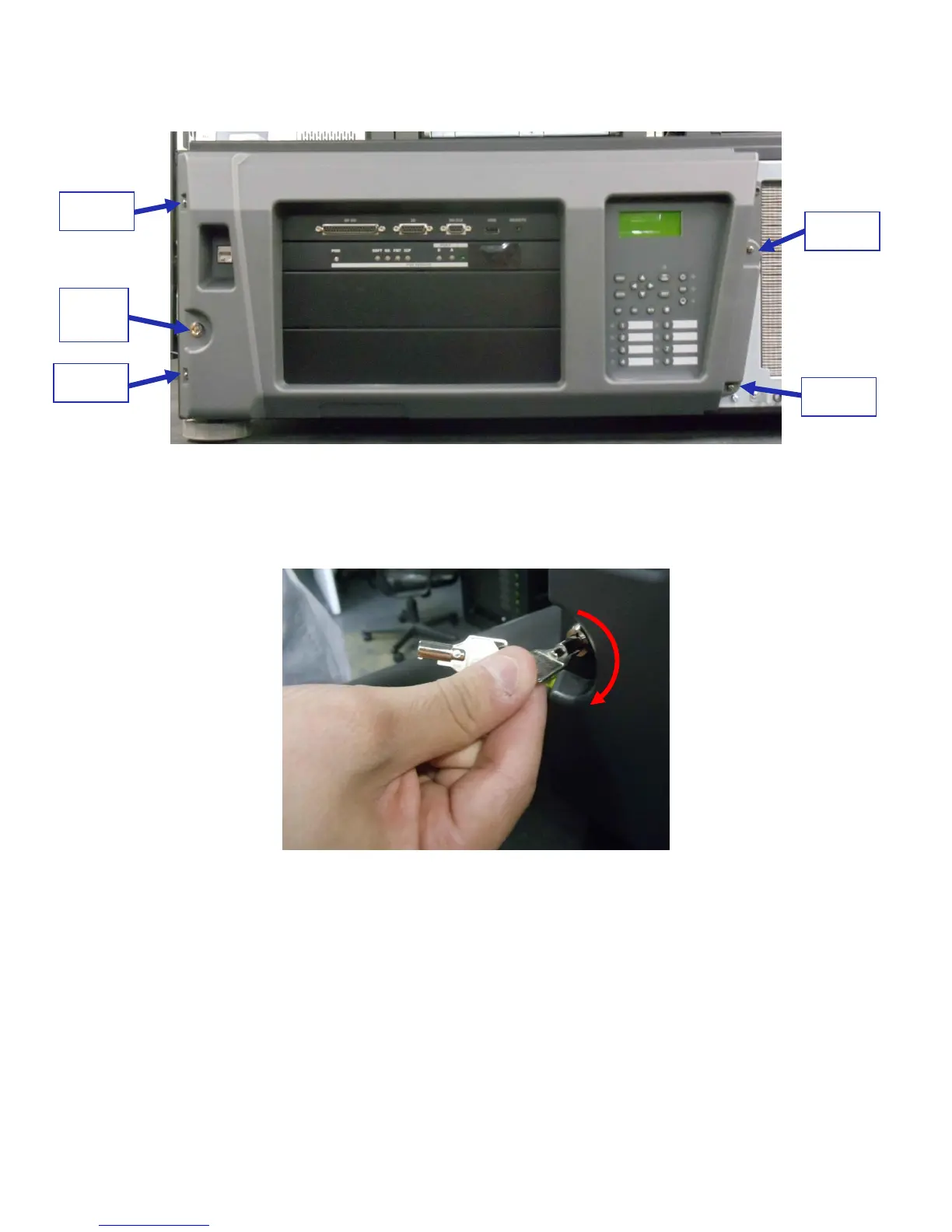
Remove the four screws holding the projector cover in place (Figure 8).
Figure 8: Screw Locations
Using the key for the projector screen, turn the key in the lock to the right so that it is
unlocked (Figure 9).
Figure 9: Projector Unlock
Gently pull the cover off to remove it from the projector (Figure 10).



 To Next Page