IMS.OM.002949.DRM Page 54 of 310 Version 1.4
Doremi Labs
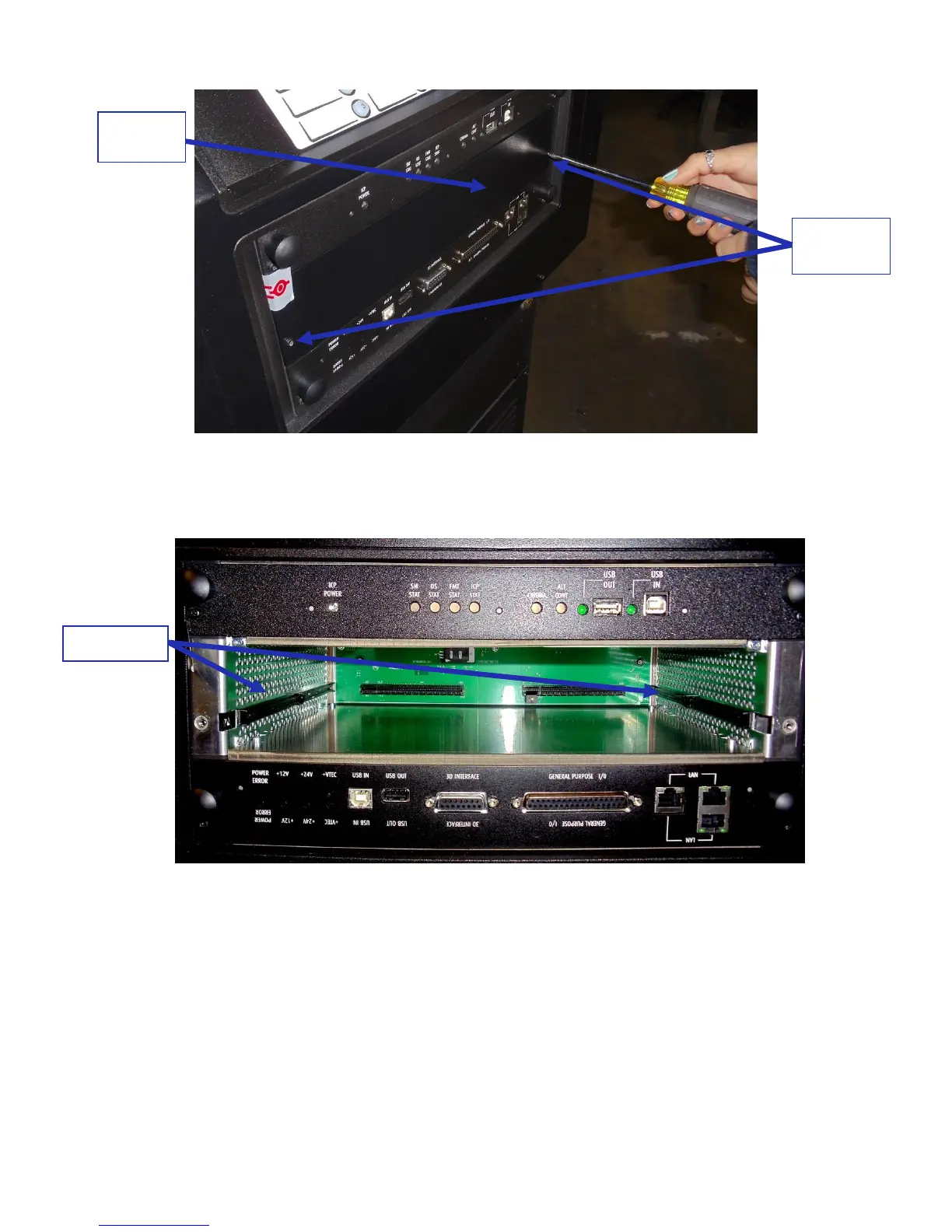
Figure 43: Unscrewing the Blank Cover
The media block slot should now be empty (Figure 44).
Figure 44: Empty Media Block Slot
Carefully remove the IMS1000 from its carton and antistatic bag.
Gently place the IMS1000 board into the projectors media block slot guiderails on the
inside of the slot (Figure 44).
Tighten the two screws in place (Figure 45).



 To Next Page