8. Vector Chart Material
8-74
8.10.8 Control of predefined IMO chart display settings
There are three sets of predefined Chart Display Settings that can be used to display Charts with certain chart
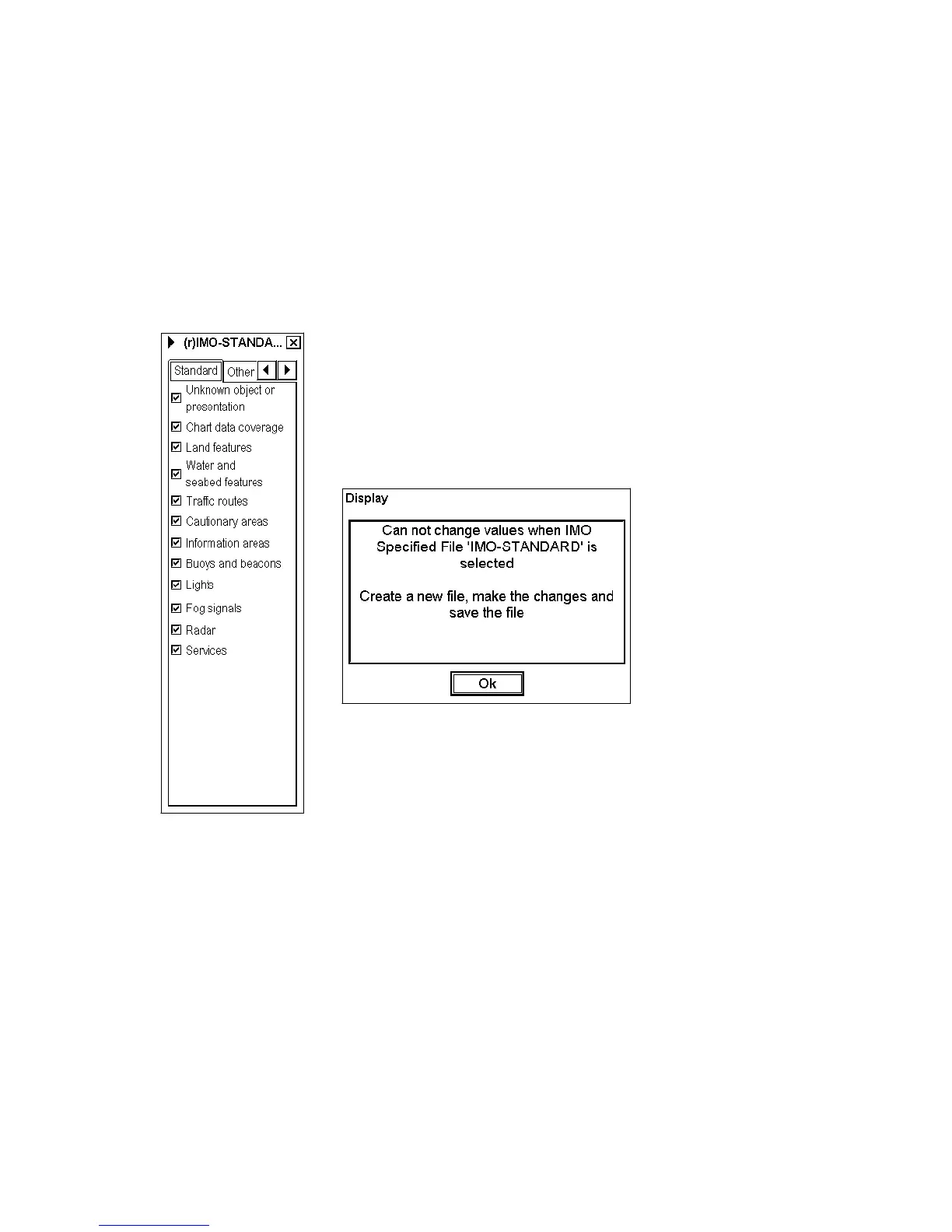
features. In IMO Chart Display Settings you are not able to change visibility of chart feature using Chart Display
Settings. The predefined Chart Display Settings are called as:
• IMO-BASE
• IMO-STANDARD
• IMO-ALL ON
To select desired IMO Chart Display Settings, proceed as follows:
1. Open the Chart Display dialog box and click the triangle with the left
mouse button.
2. Choose Select from the menu.
3. Select desired Chart Display Settings from list box.
If you try to modify selection in Chart Display dialog box when any of IMO
Chart Display Settings is used, following message appears:



 To Next Page