22. Radar Overlay
22-3
22.3 Choosing Source of Radar Overlay
22.3.1 Radar overlay through LAN from FAR-2x07 radars
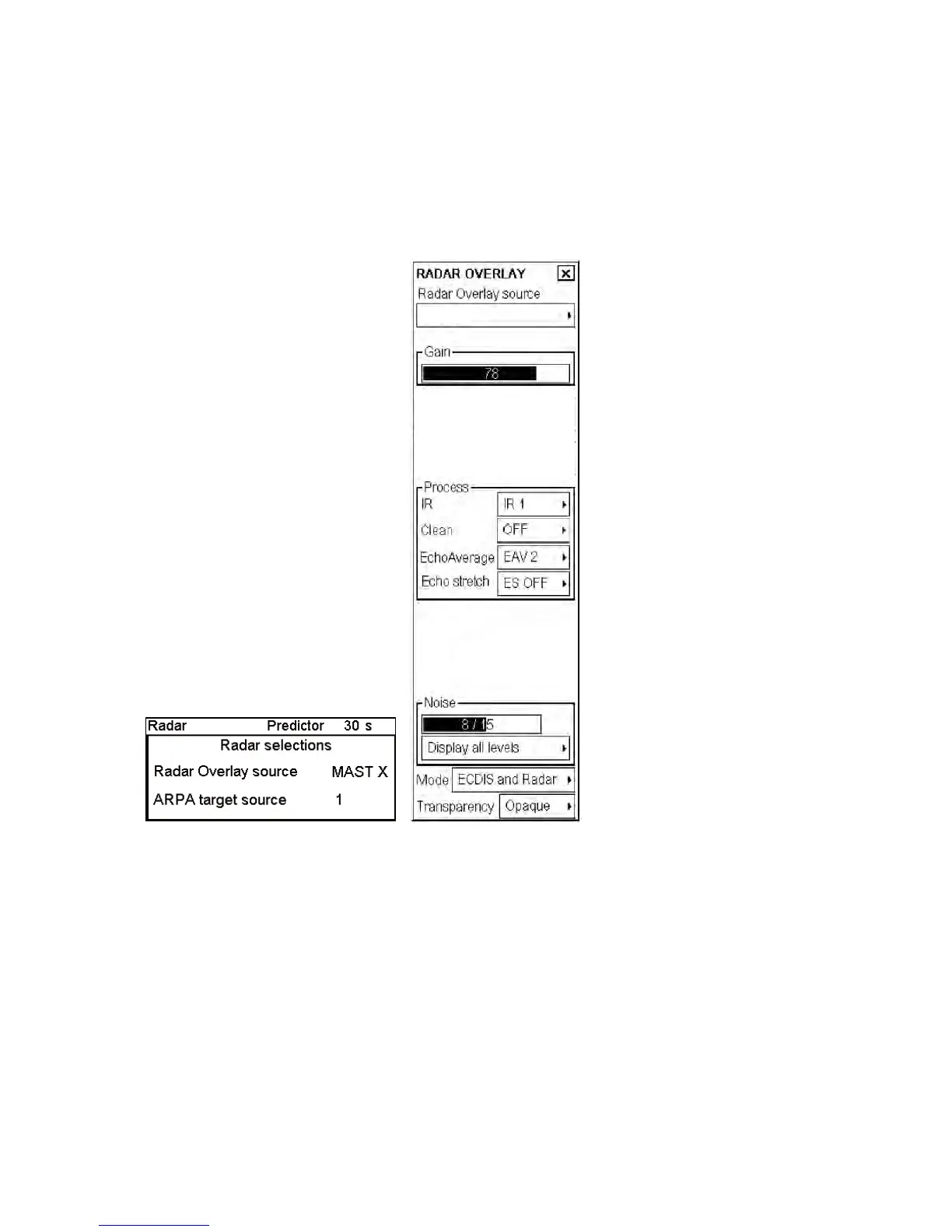
Place the cursor on Radar in the status bar, and the Radar Selection window appears. Radar overlay source indicates
source radar overlay. In the example display below the source is MAST X. If there are more than one radar video
source available, you can change the radar overlay source by clicking Radar Overlay source then spin the
scrollwheel to choose a source.
MAST X
MAST X
(In case of LAN Radar Overlay)



 To Next Page